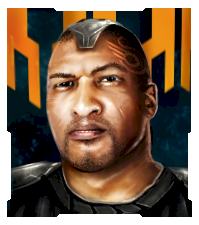
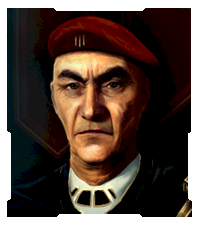
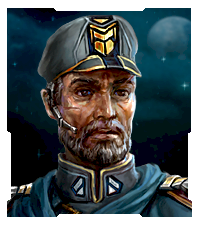
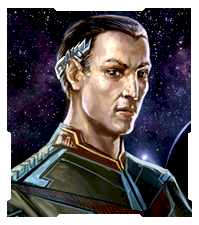
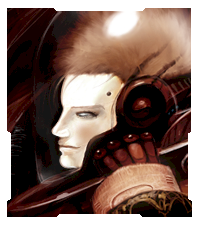
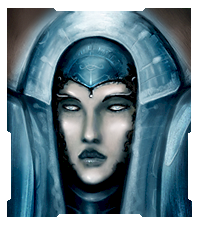
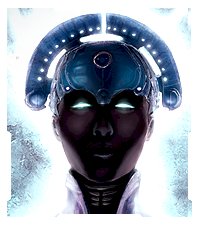
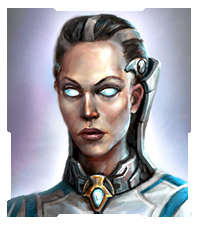
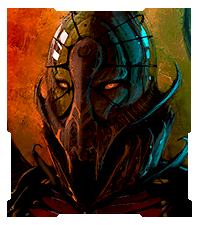
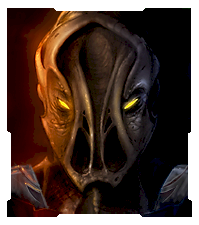
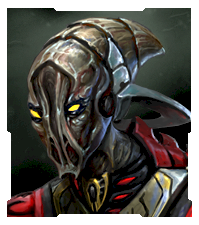
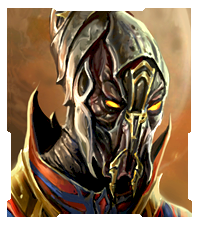
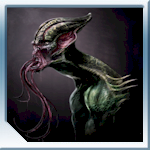
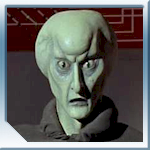
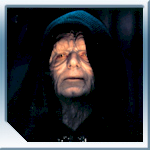
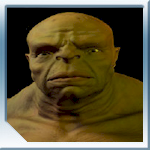
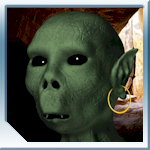
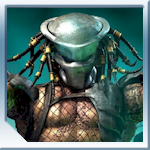
Official Sins Avatars!
Hi everyone! Its about time we had some of these...
Feel free to use in any forum. Enjoy!
Avatars:
Set 1:
![]()
Set 2:
![]()
![]()
![]()
Set 3:
![]()
![]()
Set 4:
![]()
Hi everyone! Its about time we had some of these...
Feel free to use in any forum. Enjoy!
Avatars:
Set 1:
![]()
Set 2:
![]()
![]()
![]()
Set 3:
![]()
![]()
Set 4:
![]()
i used the vasari from set 4 as my avatar on here (as you can see) and for my account pic on my computer. looks awesome, especially with the SOASE desktop skin from impulse ![]()
Yeah lets have some capitol ships as avatars I would totally use it
So whats with the Cap Ship avatars is there a link somewhere like at the top of this page, I understand I can screenshot but sometimes people can get wicked shots!
Very nice. But I can have much bigger avatars on other forums. Say like 1 1/2" for all of those? ![]()


https://forums.sinsofasolarempire.com/175358 is discussing picture sets but no tutorial. Any help would be nice.
Player_Portrait_Large.dds
Player_Portrait_Large.tga
are in textures folder. Do I need to edit both. What would be the best pixil size and format to save just the images to work with or share here.
Mine is from an original painting by my artistically endowed brother!
hi I would like one of avatars. but I don't know how to get.
thank you any help.
burtakal, you should be able to right click on the avatar, save it to a location on your computer. Then in your account options here on the site you should either be able to upload it or, having uploaded it to a separate site (www.imageshack.us) be able to link it within your profile.
Let me know if you need some additional help and i can post a step by step guide with pictures.
You necromancer you ![]()

Welcome Guest! Please take the time to register with us.
Select a reason for giving karma:
You're about to visit an external site:
Sign up here to get the latest news, updates, and special offers delivered directly to your inbox.