Modding Ui

I know that this is are already think,but what we probably dont know its how its supose to be.


We all now that strategic full strategic zoom with icons make this game ugly ,and this team dont want it and i dont want it ,but right now we have exacly that on units and bases usind a standard bar just so we can try....


Iknow they are think in other UI steps ,we founders already saw that but i want to show that bases right now have a goop placement to that,and mexes showld be diferent from bases.

I have put the progressive bars on mexes ,where i think its good and in (2) Tech 3 bases  and (2) T1/2 bases ,and the game keeps preety.

Its not supose to be like this but its to show that we have good options so that the game keeps the magic.

If other options is already think can we see?


3,159 views 4 replies
Reply #1 Top

I like the 2nd one.

Having the progress or health bar on the factory itself, while looking quite cool, actually seems more gamey to me somehow. Perhaps it is because I play with the health info off and just briefly tap Alt if I want to see that kind of thing.

I see this post on the main page of Ashes of the Singularity like it is an official one. I don't know if that is a mistake or if they want to showcase the potential for modding. Modding and modders are great it has to be said.

Reply #2 Top

I moved this out of the Journals section as that's reserved for official posts.


Reply #3 Top

Left Mouse button as the drag ground button Solution test.

You can disable the Left mouse button .


1.Make a backup the file

 ( you will also notice that select units with shift and builds drag the view i sugest you make only 1 factory and hermes and micro them in speed light to test )


2 go to your AOTS directory      steamapps/common/Ashes of the Singularity/Assets/UI/AshesGameView

3.Open with notepad AshesGameView

4.  Where says on begin                             <Drag Size="f,f" ID="RDrag" Button="R" Threshold="6" />

    Clean the R ...must stay                         <Drag Size="f,f" ID="RDrag" Button="" Threshold="6" />


Now test the full speed micro clics that will alowed us micro the units like it must be.

like this micro units and air for the FASup fans they will feel home.


Now 1 idea or solution .

In this days all mouses even the cheap mouses comes with left keys 


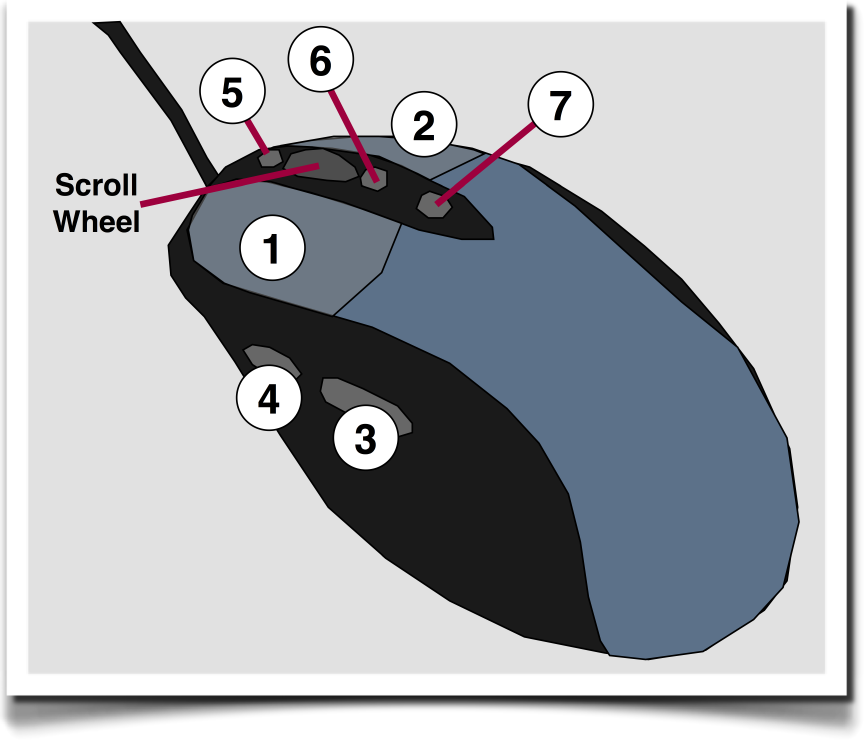
I think it's much more functional and practic, put the drag ground view to one of the keys 3 or 4  ( 3 its the best ) that what we are using now, that bring enough confusion and how you will see and test completely changes the speed orders to your game .

Or just put  A-S-D-W

Or let how it is, but when we press shift key disable the left mouse key drag funtion and we can have a free micro.


In this ashes can give us a help, to put insted the left key to drag ground button view ,put in the next FRIDAY :) this option .