Maximum activations reached
from  Stardock Forums
Stardock Forums
I have just replaced a computer and I am trying to activate Multiplicity Ver 1.26 but getting Maximum Activations reached. I do not have access to the previous HDD.
It was working yesterday but when I attempted to change from Secondary to Primary it is asking me to activate, hence the error message.
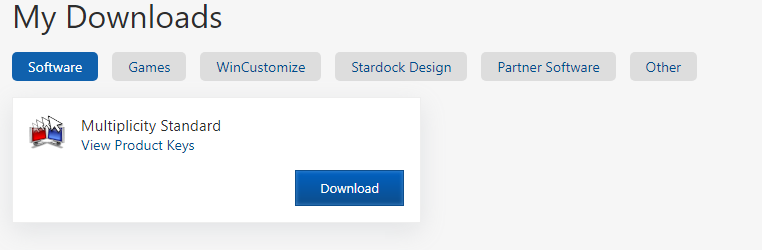
Have uninstalled and reinstall the program but no luck. Logged into Stardock website to deactivate the software as per support but I don't have the option to do this.
Any suggestions ?