Tiles will not install/configure

Not responding

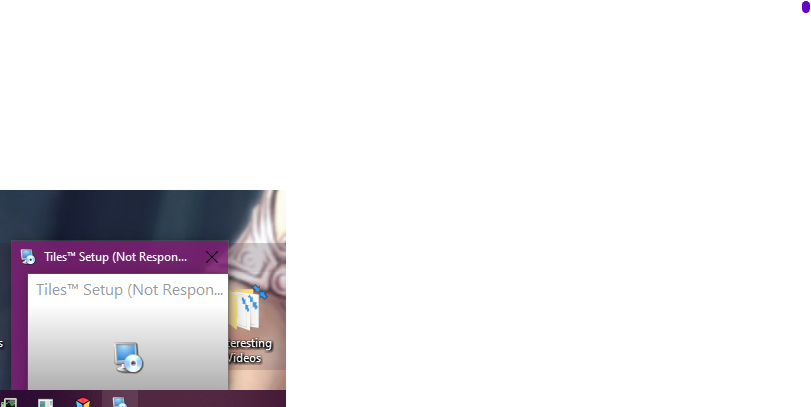
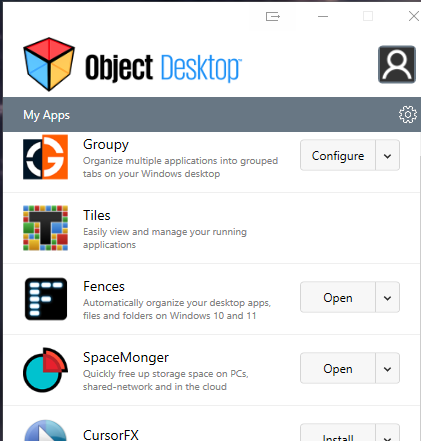
I just purchased Object Desktop.  When I install Tiles the install seems to complete, although the Object Desktop seems to be in limbo when displaying the status of Tiles (image 1 below).  While it seems to install it locks on the setup (image 2 below) and will not respond.  I have to kill the process and then it defaults to not installed.
 

4,573 views 10 replies
Reply #1 Top

Hello,

Sorry to hear you are having issues.

Best to go to your Account page for all downloads here https://store.stardock.com/myaccount/products/

Click on View Individual Downloads upper left ..


AzDude
Stardock Community Assistant

Reply #2 Top

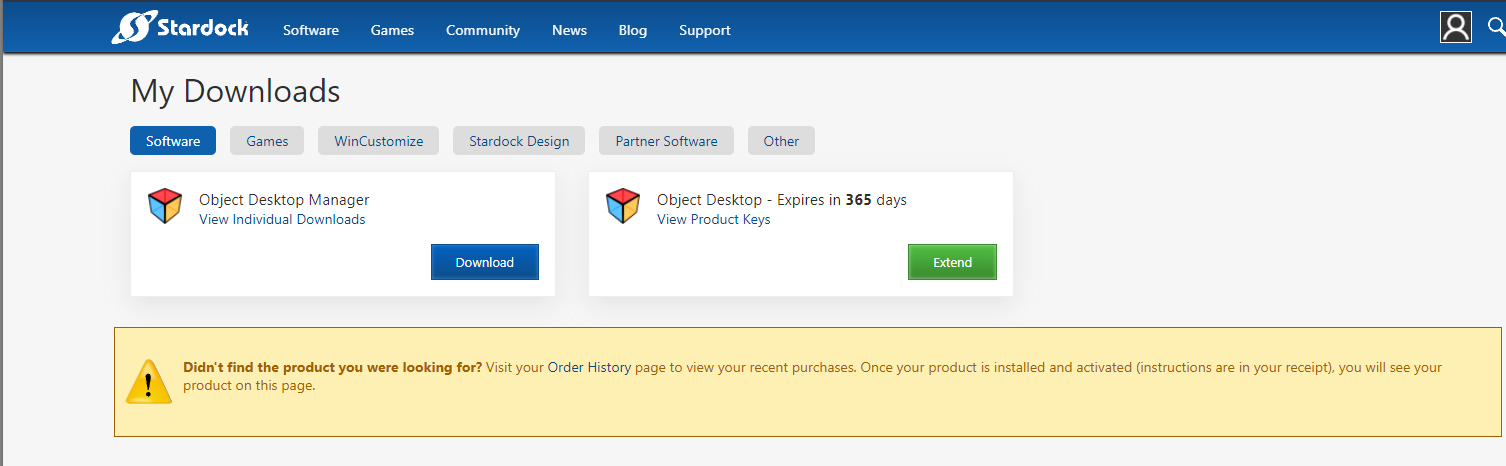
I went to the link and got the results in the image below. No individual, so I decided to try the "Software" tab. It want's me to enter CC info to purchase.  The other tabs below didn't help at all - I don't have software in any of the tabs...


Reply #4 Top

Turned off AV and it installed. I've configured a test tile and assigned it to the right of my monitor.  Nothing shows up, the hotkey doesn't evoke any reaction on the system.  This is regardless of AV being on, or off...

Reply #5 Top

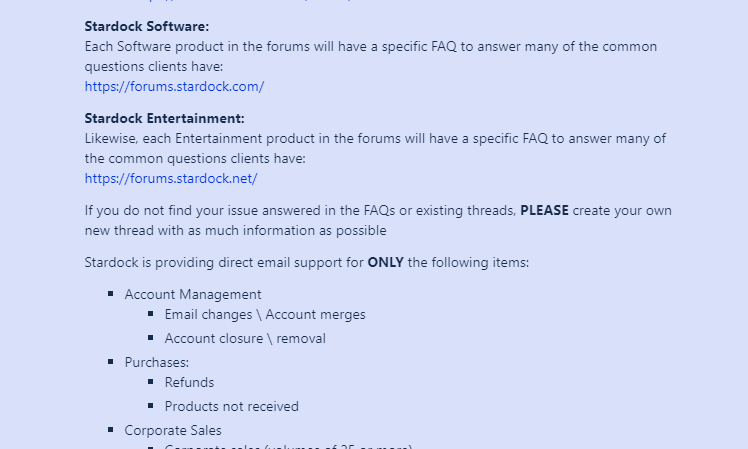
Thank you.  But that page seems to Point me back to the forums - below.  I'm hoping that a StarDock team member see's this... 


Reply #6 Top

Quoting Leithal007, reply 2

I went to the link and got the results in the image below. No individual, so I decided to try the "Software" tab. It want's me to enter CC info to purchase.  The other tabs below didn't help at all - I don't have software in any of the tabs...
Reduced 55%

Original 1506 x 466
End of Leithal007's quote

Hello,
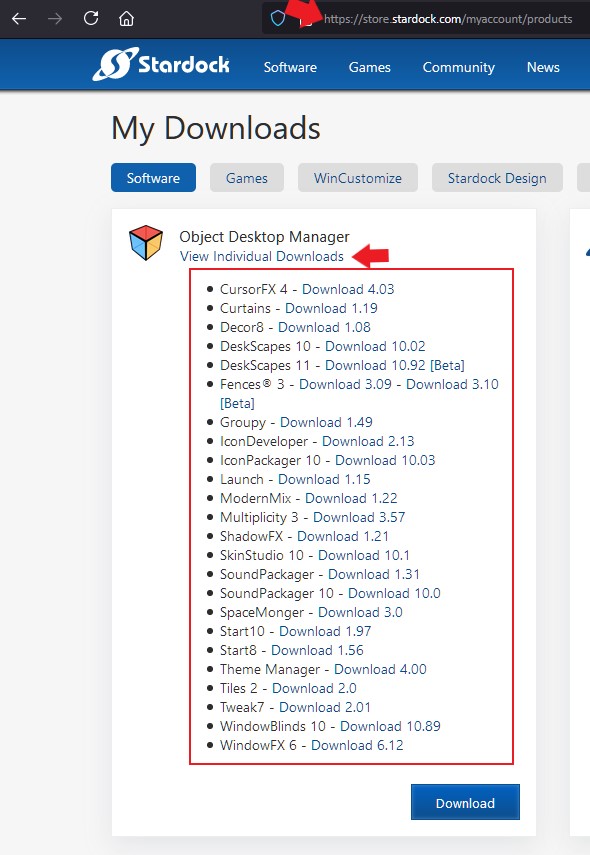
Sorry to hear you are having issues. If you click on the "View Indidual Downloads" you should see something like the screenshot below and you will see Tiles listed there.


Basj,
Stardock Community Assistant.

Reply #7 Top

I only have one thing to say, to quote Homer Simpson - Doh!

I didn't see that, I don't know why... thank you.  Will try it standalone.

Reply #8 Top

So, I downloaded the stand-alone file and attempted install.  No luck, deleted the Program (86)/Stardock/tiles folder and retried.  Failure (image below where it stalls).

Deleted the folder again, killed AV and reinstalled. and it works!

Thank you for all the help, and I hope this helps someone with the same issues...


Reply #9 Top

Great, glad it resolved. Just one question, what AV you're using?

Thank you,

Basj,
Stardock Community Assistant

Reply #10 Top

Microsoft and Zemana. I deactivated Zemana after the first issue.  when problems persisted I killed MS realtime AV.  It sill wouldn't install from the Object Desktop, but did from the standalone package.