ObjectDock & CursorFX
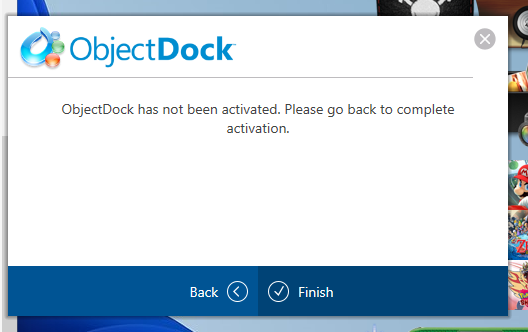
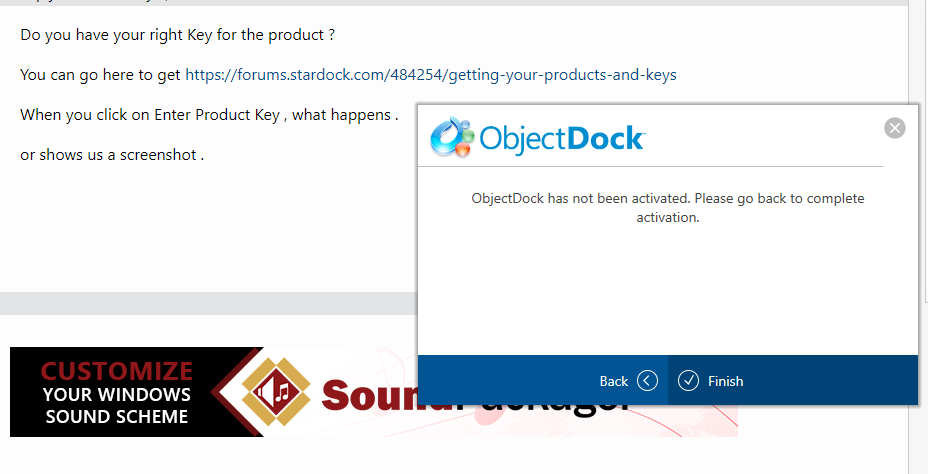
I had to reinstall windows and now when i try to activate any product i get "<product> has not been activated. Please go back to complete activation"
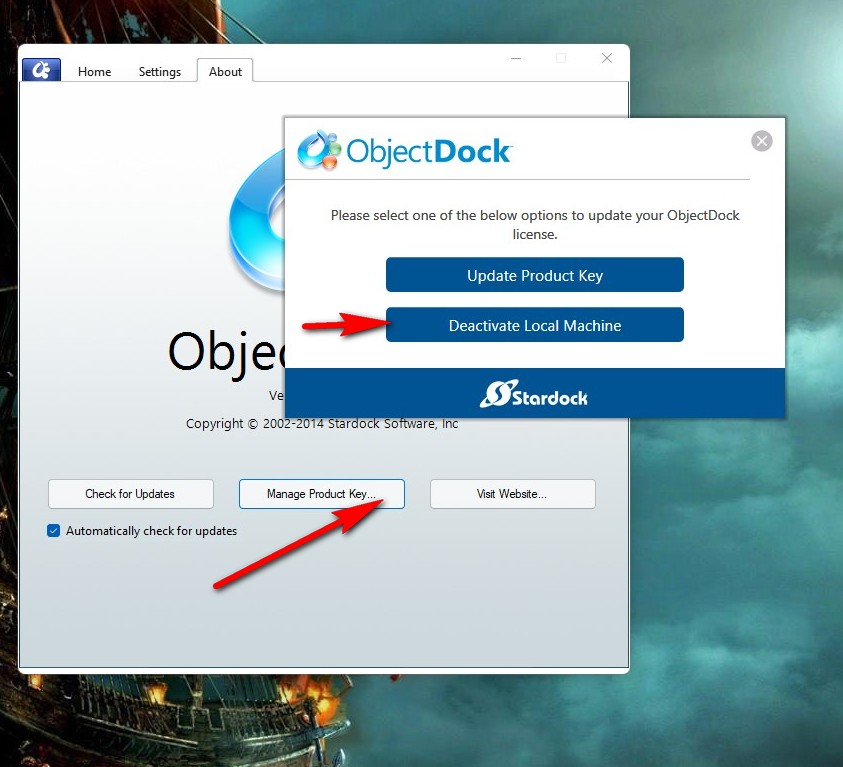
Hello,
Sorry to hear you are having issues.
Try this see if that works ( see image below ) first deactivate then try re activate , open the OD App and Click on the ABOUT Tab.

AzDude
Stardock Community Assistant
I am not given the option to see the about tab

Do you have your right Key for the product ?
You can go here to get https://forums.stardock.com/484254/getting-your-products-and-keys
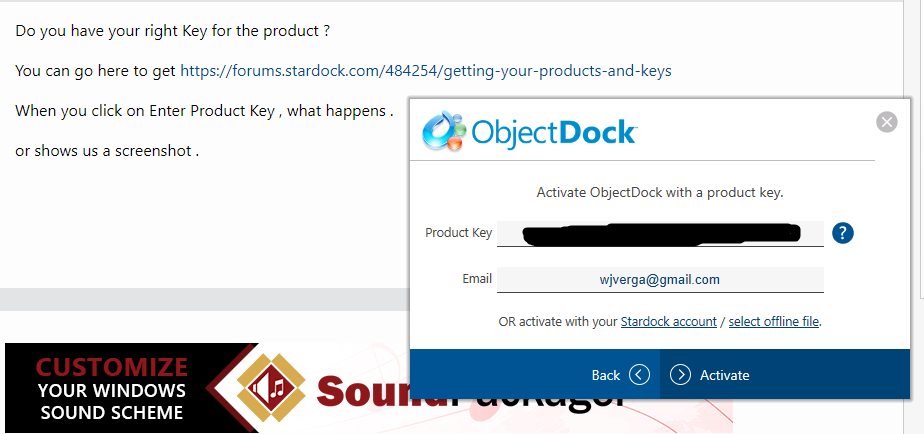
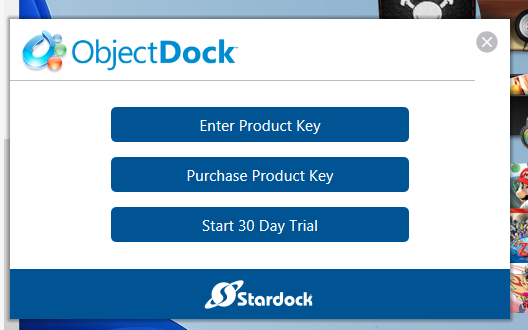
When you click on Enter Product Key , what happens .
or shows us a screenshot .
Yes, I have the correct key
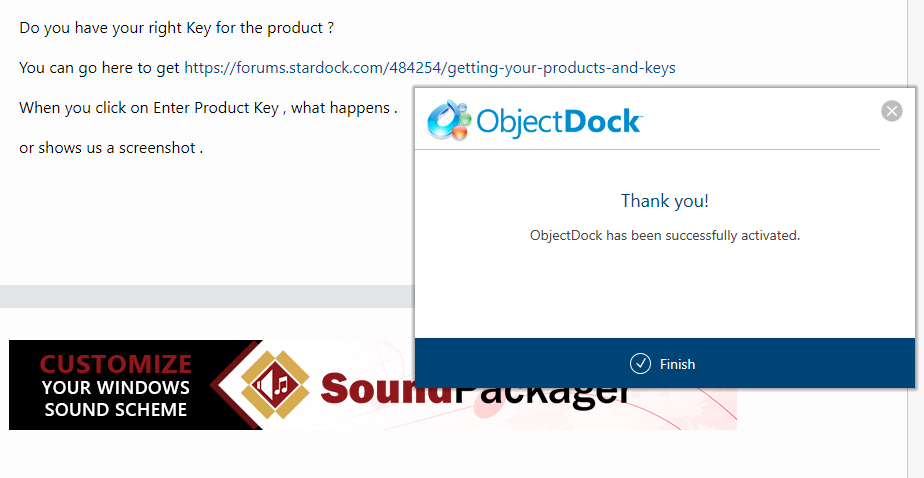
In order:


Right after i click "Finish"

Did you reboot after it said installed ?
yes, multiple times
after i click finish (second pic) the third pic is what happens
With Object Dock they're 2 versions OD and OD Plus
Is your key for the right version your trying to run ?
Is your key for an older version and your trying to run a newer version with that older key ?
Is your email address your trying use to activate the same email you used to buy the product
with it has to be .
Yes, I'm using the right version of OD
Yes, I'm using the right key
Same key for same OD within about a 30min reinstall of windows (give or take)
Yes to the last question as well
Hello,
I have forwarded your report to the Stardock support team for their review and recommendations.
Please keep an eye on this thread for any updates.
We really do appreciate your feedback, thanks.
ty
Hello,
Sorry to hear you are having trouble.
Follow this:
https://forums.stardock.com/486311/accounts-and-activation-support-faq#error212
Sean Drohan
Stardock Support Manager
Welcome Guest! Please take the time to register with us.