
Start 11 Scaling

Thought that I would try Start 11 on my Windows 10 computer and the only start menu style that works is the Windows 7 style and sub styles, all the others are to large, is this normal when using Start 11 on Windows 10?
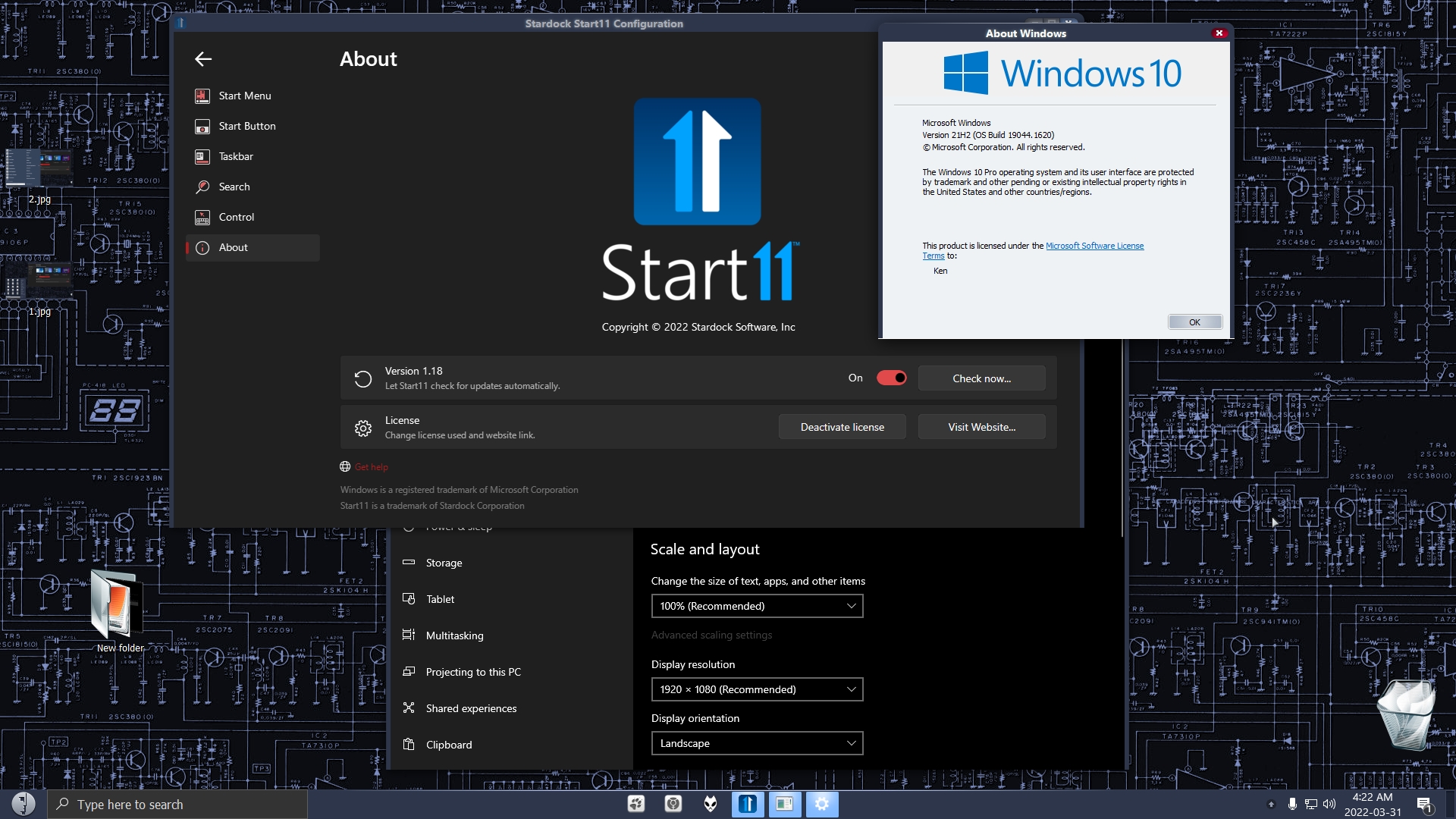
Nothing has changed with my display that I am aware of, dpi setting is the same and drivers are up to date, you can see my computer info in the 2nd picture. 
6,029 views 6 replies
Reply #3 Top

Have you accidentally set Start11 to scale the menu size?

Click configure menu, then customize menu visual appearance.  Then check the Make menu font bigger or smaller option.

Reply #4 Top

One thing that seems to me to need a little work is the spacing between groups with text turned off.  The spacing seems to assume the text is still there and creates too much space between groups.

Adjusting for the gaps would make the menu more compact when text is not needed.  I forgot to say I am on the 1.18 beta, but the issue was on the 1.10 release also.

Reply #5 Top

Quoting Neil, reply 3

Have you accidentally set Start11 to scale the menu size?

Click configure menu, then customize menu visual appearance.  Then check the Make menu font bigger or smaller option.
End of Neil's quote


That was it Neil, I never adjusted it but somehow it was set to max (200), thanks.