
Start 11 enhanced taskbar option greyed out
As you can see in this screenshot I can't turn on the enhanced taskbar option. Restarting explorer doesn't fix the issue.
I'm using Windows 11 Home 21H2 build 22000.739
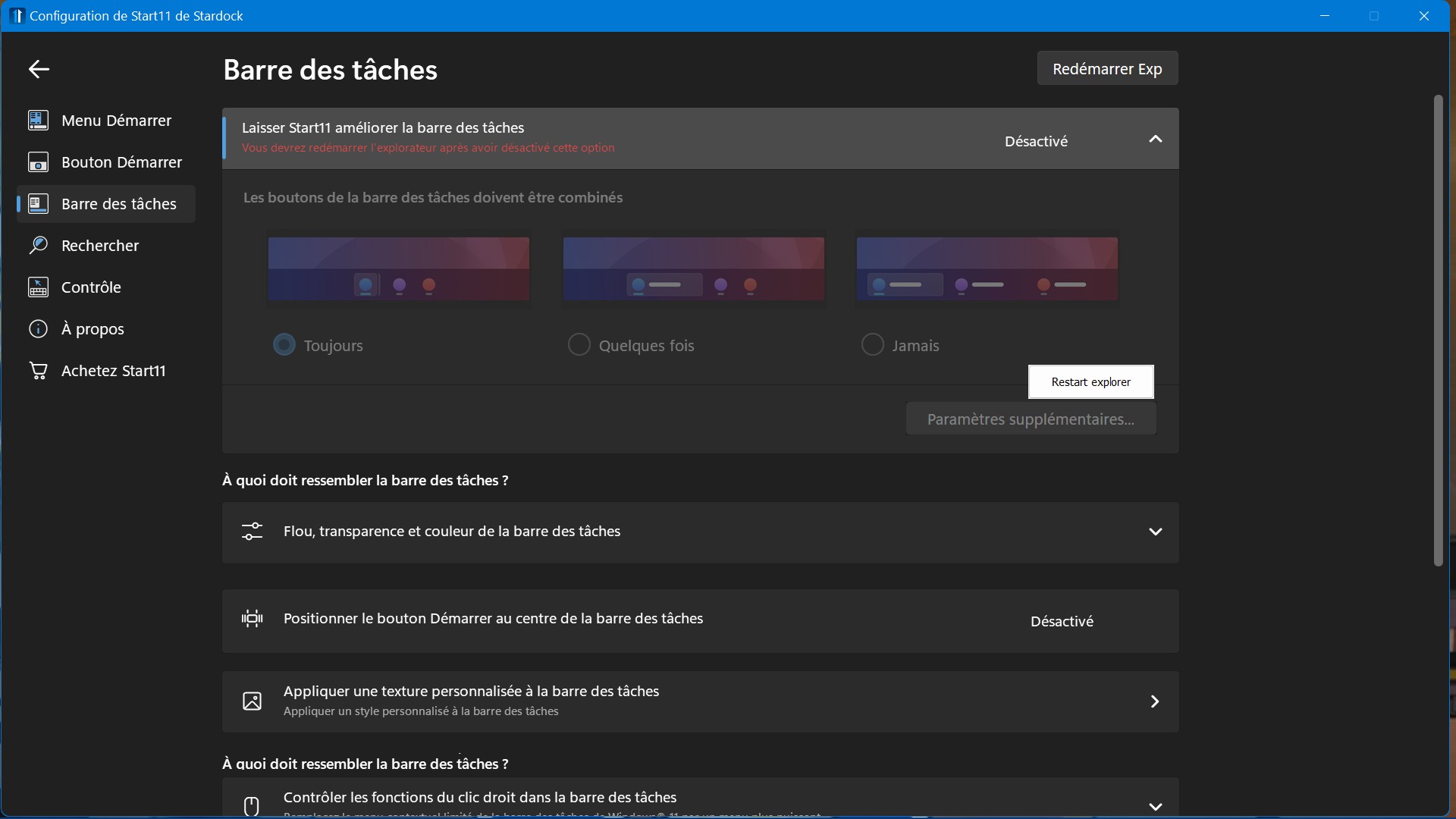
As you can see in this screenshot I can't turn on the enhanced taskbar option. Restarting explorer doesn't fix the issue.
I'm using Windows 11 Home 21H2 build 22000.739
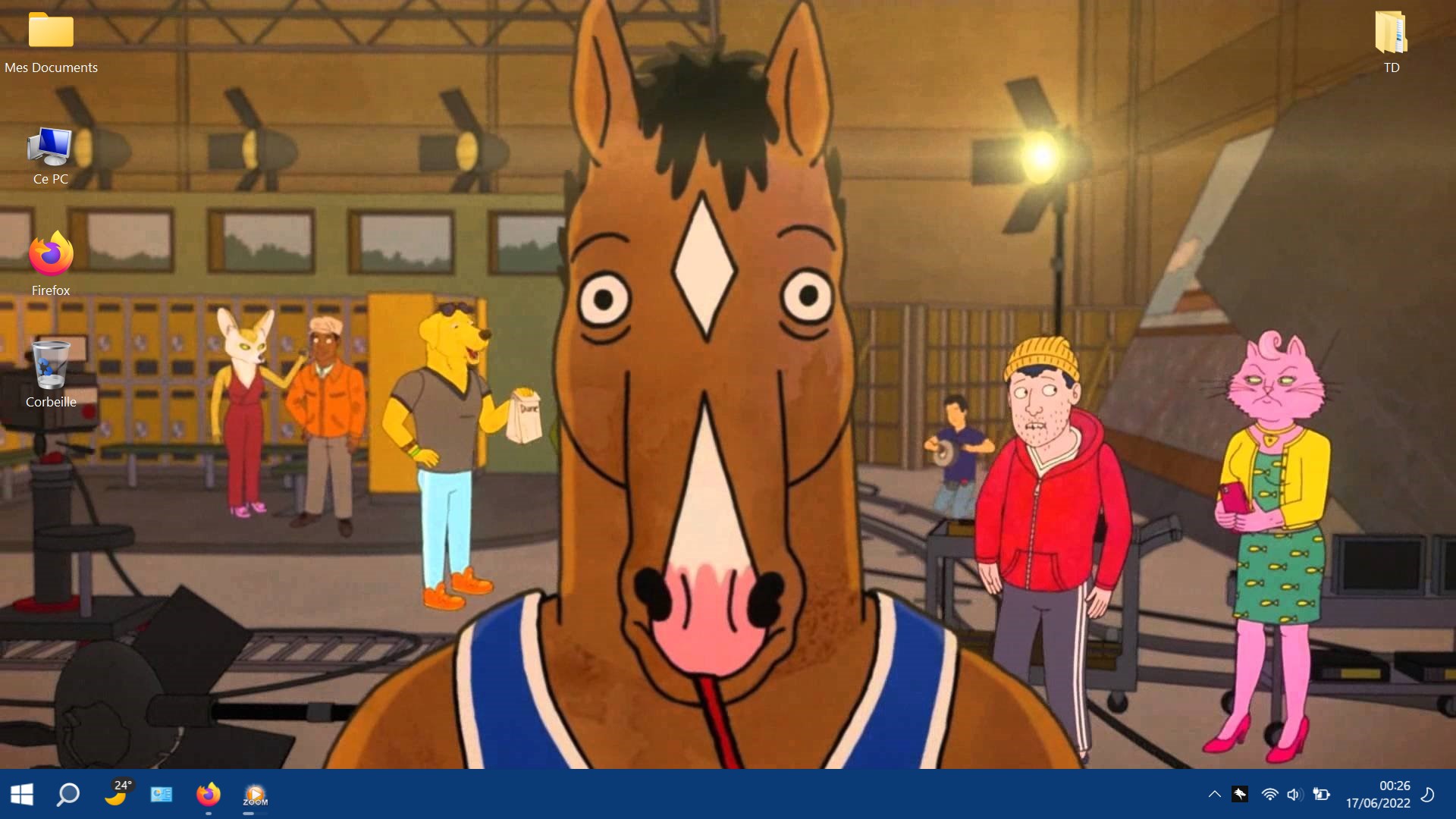
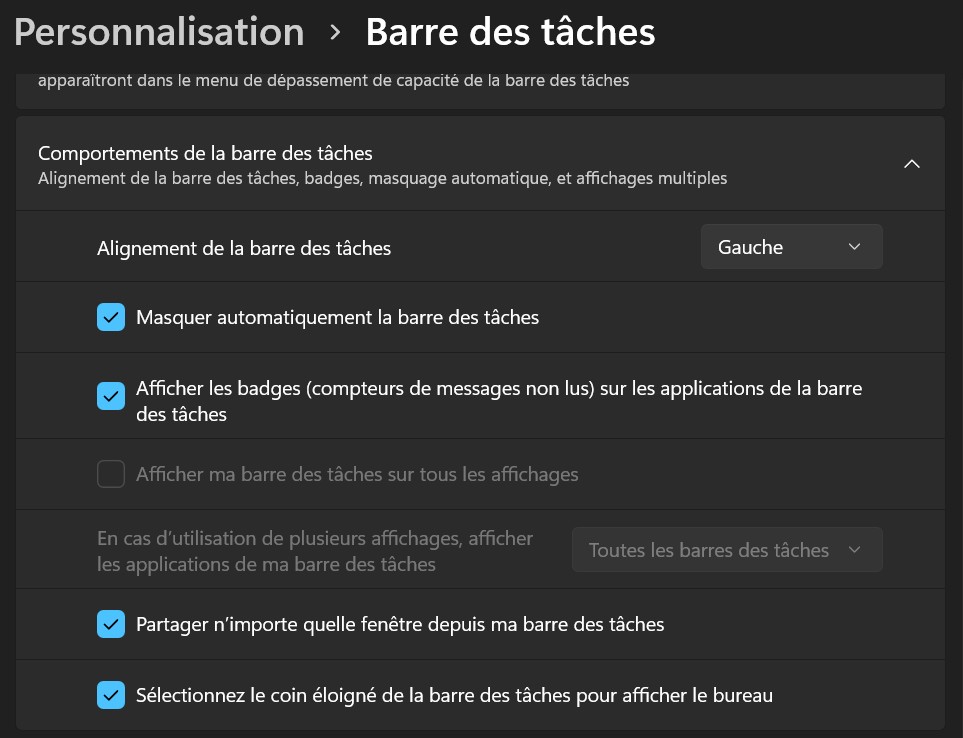
Sure. First picture is "behavior of the taskbar" options in "Personalisation" > "Taskbar in case it's of any use.


I tried to change windows settings to english, even with start11 in english the issue is still there so not a language issue.
I'm on a laptop, maybe it's related to monitor options?
I purged start 11 with the .bat provided here https://forums.stardock.com/505872/start11-support-faq#reinstalling and reinstalled and it fixed the issue.
Welcome Guest! Please take the time to register with us.
Select a reason for giving karma:
You're about to visit an external site:
Sign up here to get the latest news, updates, and special offers delivered directly to your inbox.