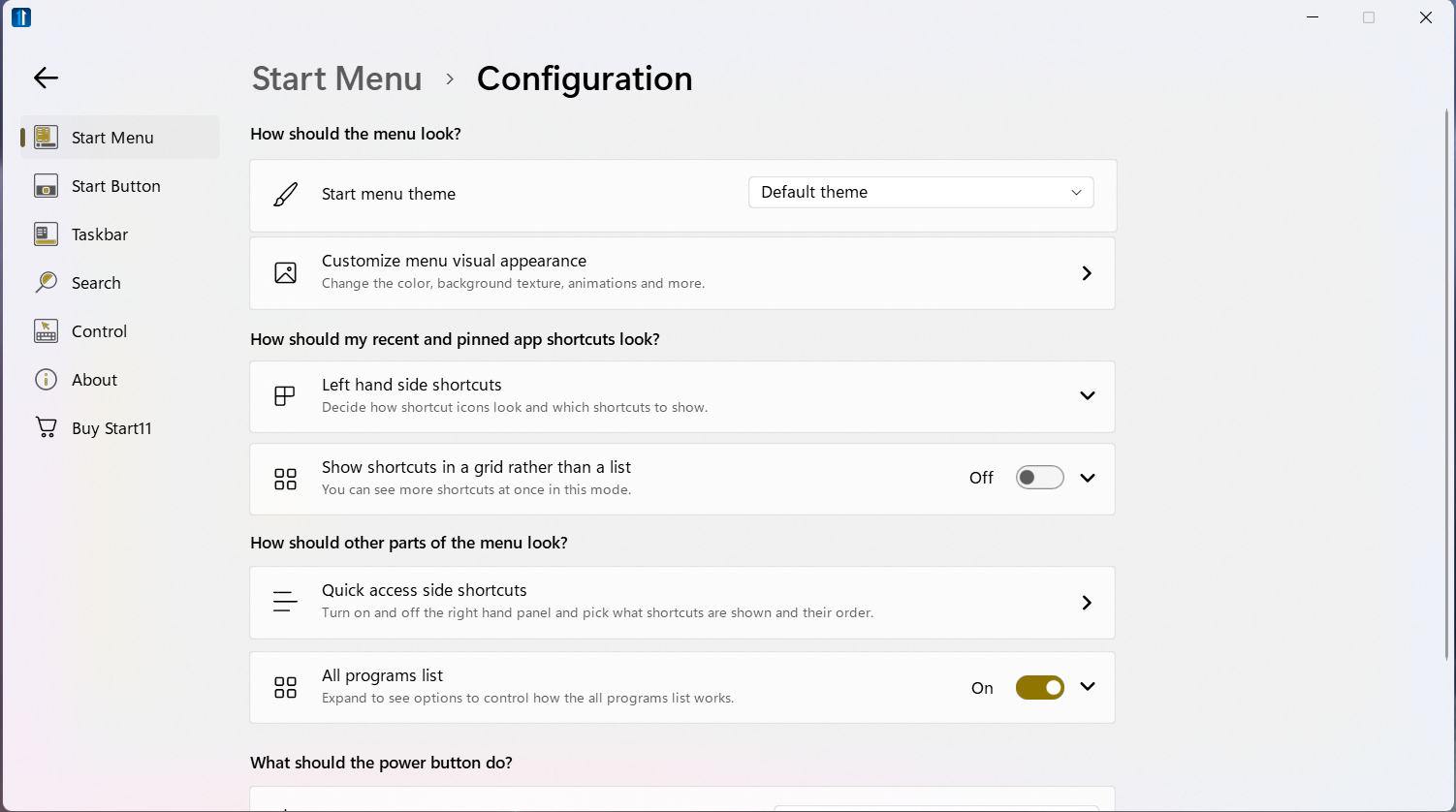
Stuck in the activation/installation process

Hi...I purchased Start11 for my new IdeaPad last night, and the installation process is stuck on this screen:
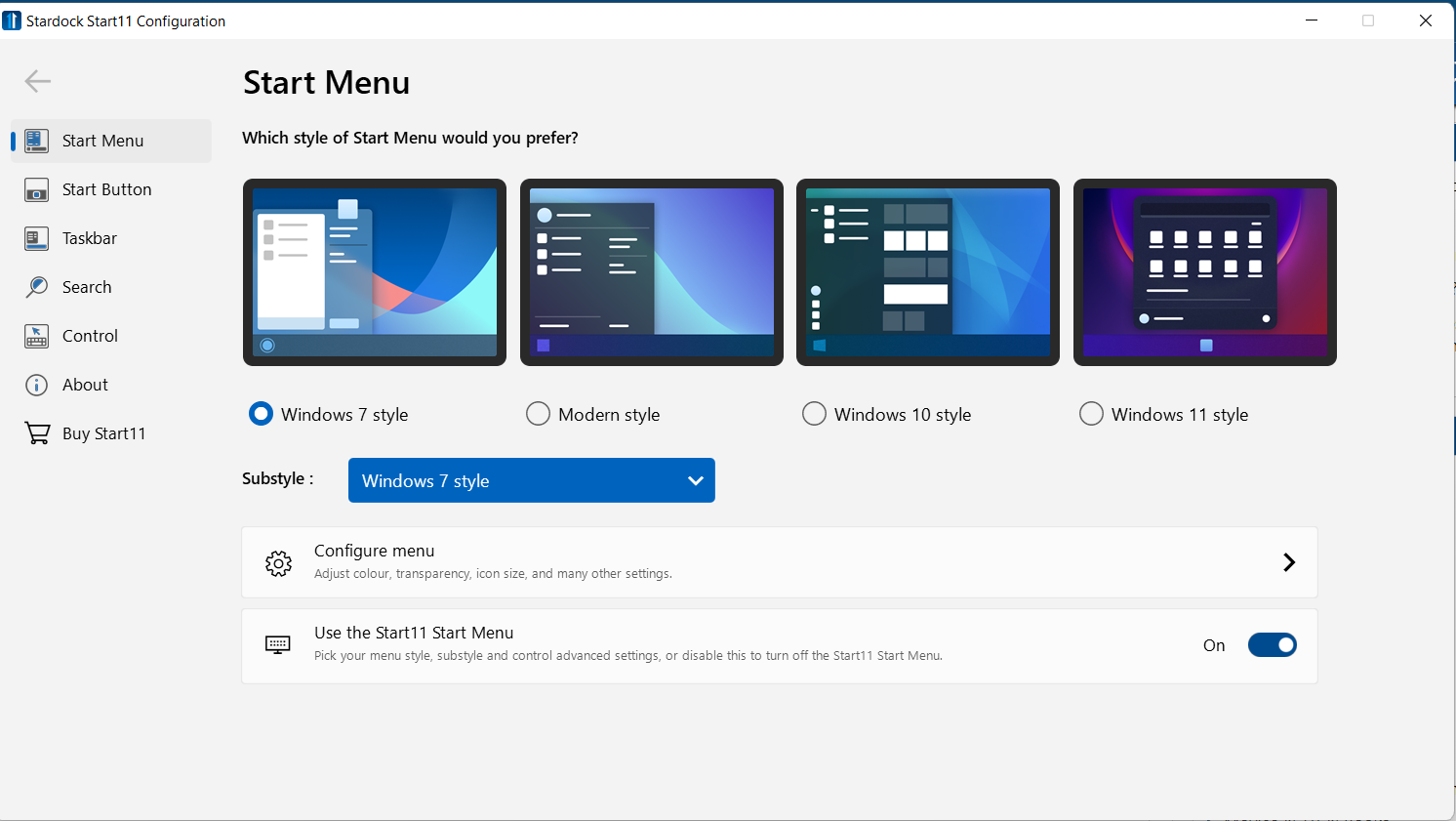
I can move forward to the configure menu, but none of the buttons and arrows work.

Furthermore, since I cannot close the window, I have to go into Task Manager to close the window.

I have uninstalled and reinstalled, but still get stuck at that point.


3,192 views 6 replies
Reply #1 Top

Hello,
Sorry to hear you are having issues. Can we know more on your system please.

  1. You on Windows 7, 8, 10 or 11? Also need to know its full version numbers please. Use Winver.exe to get that number.
  2. Need to know you on Intel, AMD or ARM CPU base system?

Thanks
Basj,
Stardock Community Assistant.

Reply #3 Top

First, please try purge and reinstall steps as mention here : [Link]. Just make sure to redownload the latest version from your account page. Reboot after the purge. Reinstall and reboot again after the installation. Retest and report back here.

Thank you,
Basj,
Stardock Community Assistant.

Reply #4 Top

I got as far as the following page, but same problems as reported before (I can move forward to the configure menu, but none of the buttons and arrows work. Furthermore, since I cannot close the window, I have to go into Task Manager to close the window. I have uninstalled and reinstalled, but still get stuck at that point.)

Reply #6 Top

I don't know how or why, but when I turned on my computer today the activation menu opened up, so I activated Start 11 and am hoping that after a reboot the choices will take effect...

Thanks for your help.