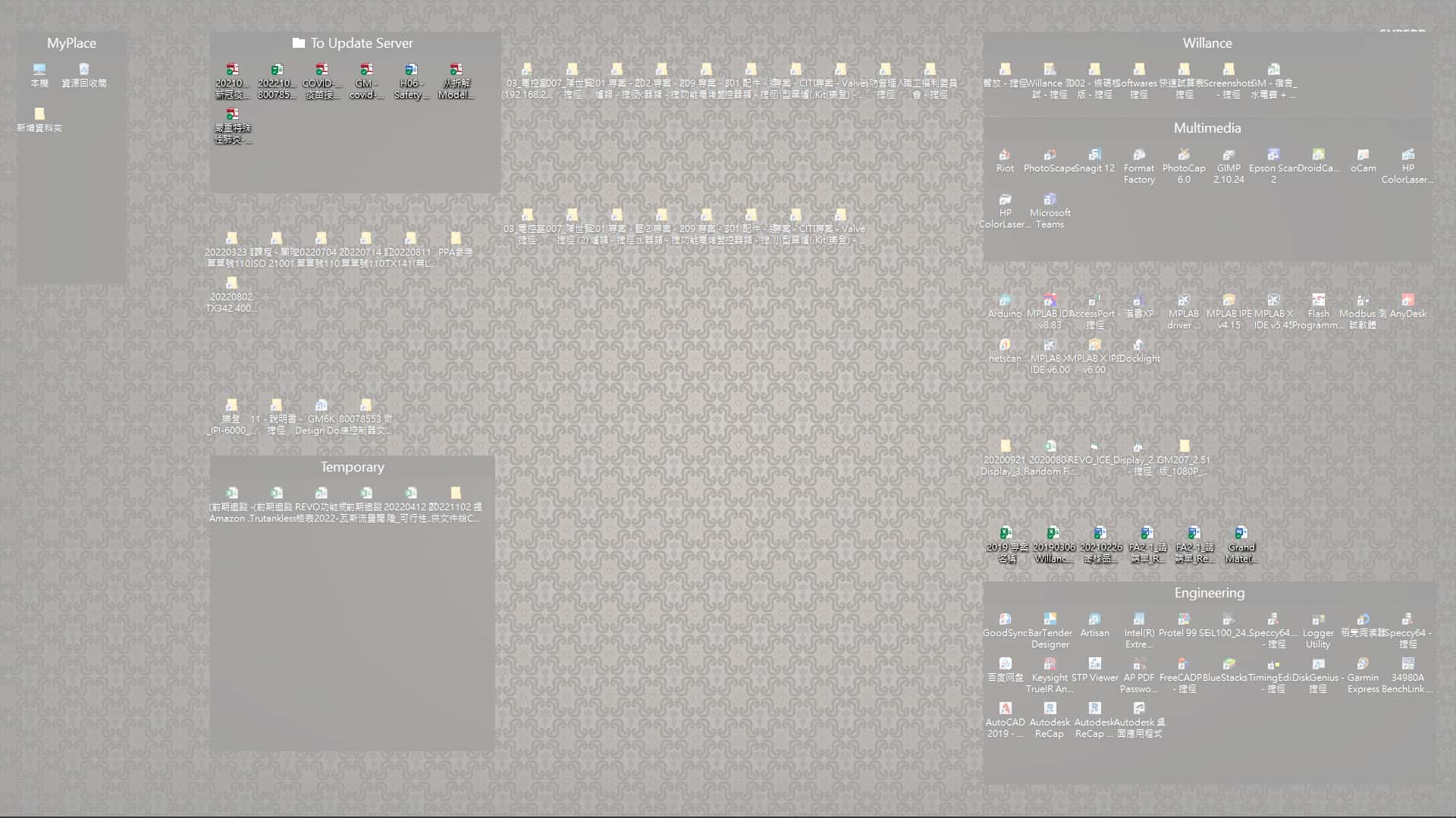
Fences stuck at the desktop initially

Hi, I'm a user from version 1, 2, 3,  and now i've upgraded to 4. I loved Fences features, but there's a problem coming with every Fences version, even Fences 4.
while I working in place A,  I make some place A server shortcut to my desktop, which is WIN10 now.
But when I'm bringing my notebook back to place B, Fences stuck at the desktop initially, I think it's related to shortcut, after couple minutes 
 
Fences pop-up a message saying that Explorer was not closed properly.
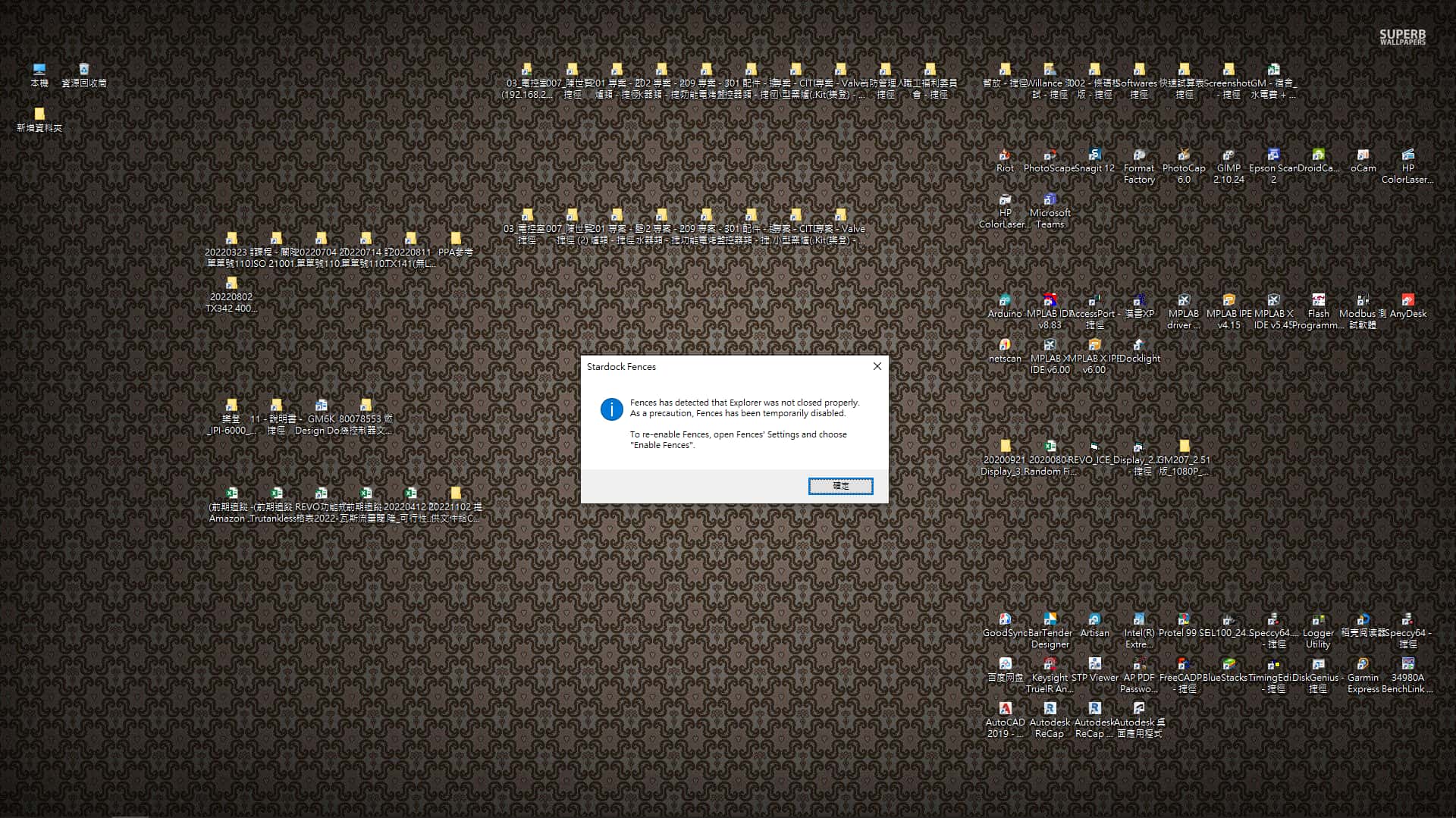
 
I found a way can stop this stuck, turn off the WiFi and enable the Fences then back to normal, then connect to WiFi, maybe it can run properly couple minutes, but if Fences connected to WiFi then it will stuck potentially.
 
Any Ideas to fix this issue? I've ever complained this issue at year 2020 and hope this issue can be solved recently.
Appreciate!

12,286 views 9 replies
Reply #1 Top

Hello,
I have forward your problem/question to Stardock Support Team for their assistance. Please keep an eye on this thread for any updates. We appreciate your feedback and patience.

Basj,
Stardock Community Assistant

+1 Loading…
Reply #2 Top

Hi Basj

Any updates from this issue feedback? I hope it can be solved by the end of this year, would it possible?

Really appreciated.

Reply #3 Top

Nothing so far, I forwarded again this one to them.

Thank you,

Basj,
Stardock Community Assistant

Reply #4 Top

Hi Basj


Any updates from this issue feedback? It's been over more than a month, and 2023 is coming.

how's engineer feedback? inevitable issue?


Reply #5 Top

Here a comment from T Paul: "I believe it something to do with portal fences linked to a server. And the notebook moving between places. Hence different connection to the server causing the Fences issue and crashing the explorer or something like that."

If this is true, I would like to suggest this guide: https://forums.stardock.com/486084/fences-support-faq#folderportalsempty

Thank you,

Basj,
Stardock Community Assistant


Reply #6 Top

Hi Basj

Thanks for promptly response. I tried that method before, but origin issue keep occur and it brought me more issue.

The shortcut folder in Folder Portals can "Allow navigation" to open directly in Fences, but i prefer to open a new window so i uncheck "Allow navigation", but it doesn't work, while i double click on shortcut folder nothing happens, no window pop up, no reaction, it's a bad experience.

I complained this issue also couple years ago, but i didn't get any feedback on this.

what kind of information can help you guys to figure out what happened?

Thank you!

Reply #7 Top

on "Allow navigation" I believe, sometime you need disable this too.

Thank you,

Basj,
Stardock Community Assistant

Reply #8 Top

Hi Basj

no, neither "Open each folder in the same window" nor "Open each folder in its own window" both nothing happen.

can you help me to check what if i installed a software named "QTTabBar" ? 

http://qttabbar.wikidot.com/


Thank you!

Reply #9 Top

I don't think I can do that, I have Stardock Groupy on my system which is something similar to what that program does. Would like to suggest doing Cleanboot: https://forums.stardock.com/486084/fences-support-faq#cleanboot

Thank you,

Basj,
Stardock Community Assistant