


With the diamond style The start menu loses colors
from  Stardock Forums
Stardock Forums
On my laptop with Windows 11 I have Start 11 and Windowblinds 11.
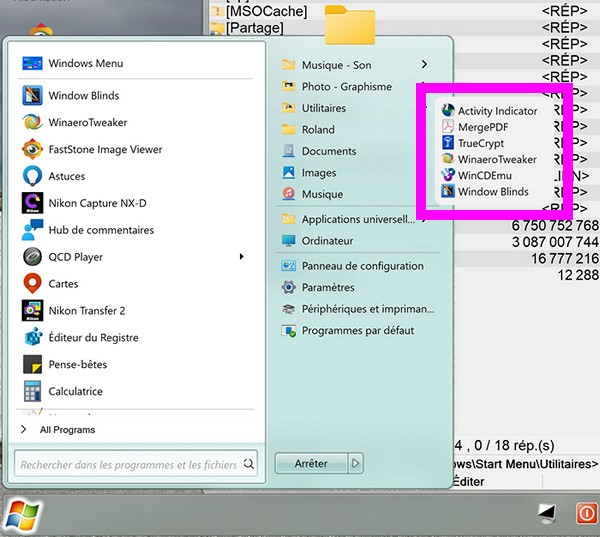
When I set up Diamond in the beginning the colors and aspect of start menu looked like that (don't bother about the purple square)
This is with "Windowblinds theme" selected in the Start 11 configuration menu (seems normal uhhh ?)
Translator
But now without doing something the start menu looks grey like that (still with Windowblinds theme selected in the Start 11 configuration menu)

The only manner I can change the color is to chose the default theme in Start11 configuration and set the color to look like diamond's color...
Is there a bug or do I something wrong ?
Roland


