Upgrading from Multiplicity KM to KVM?

I purchased Multiplicity KM on an email account that already has Multiplicity KVM. I need to have two different primary computers. Now I'm finding out that Multiplicity KM does   not allow ctrl  button broadcasting and need to upgrade my Multiplicity KM purchase to KVM.

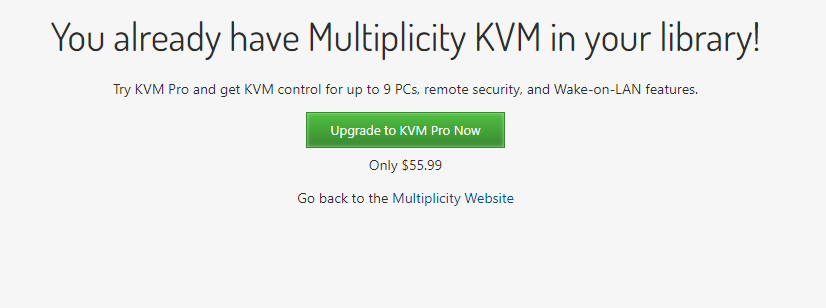
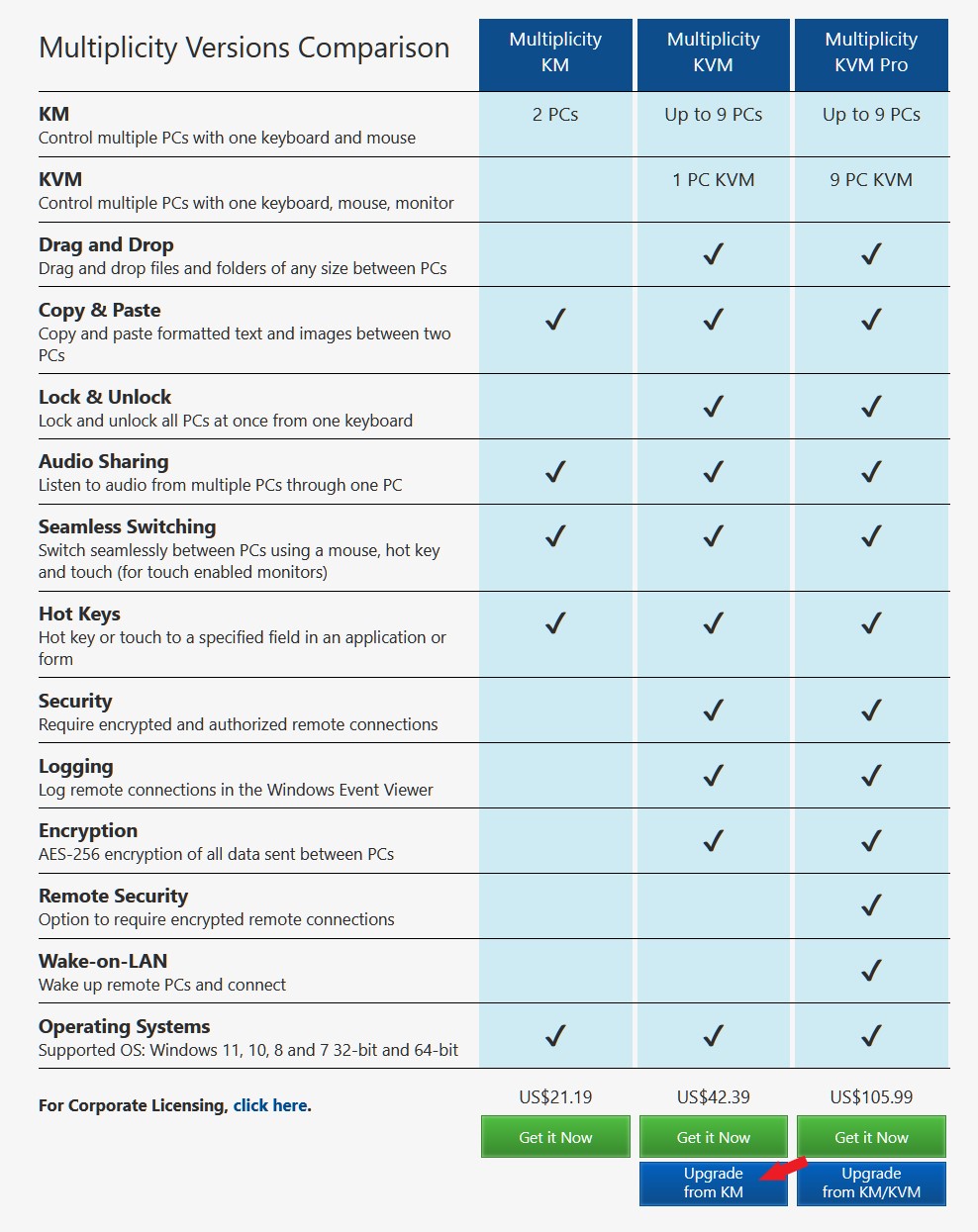
When I click on upgrade to KVM from KM, it adds KVM Pro to my cart for $55, instead of allowing me to upgrade from KM to  KVM. I do not want  KVM Pro.  There does not seem to be a way to get around this on the purchase screen.

How do I upgrade my KM purchase to KVM (NOT KVM PRO)? Do I need to move this purchase to a different email account and then try?
4,729 views 5 replies
Reply #1 Top

Hello,
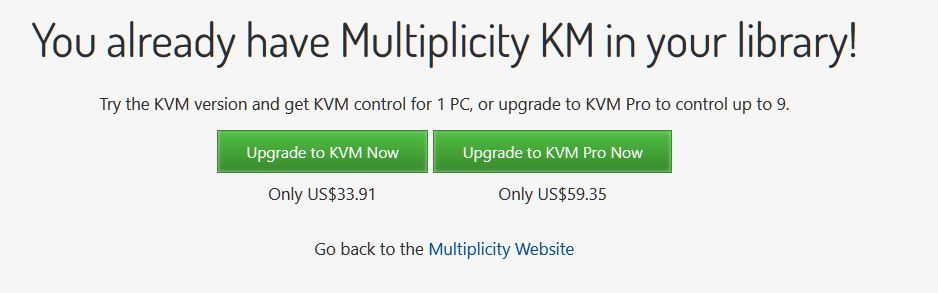
Sorry to hear you are having issues. Have you tried the clicking the "Upgrade from KV" and after you press that, enter your KM email address, do you see the second screenshot?

Thanks
Basj,
Stardock Community Assistant.

Reply #2 Top

Hi Basj,

When I click "upgrade from KM" as you have pointed out, and input my email address, I get this: 


It does not seem to notice that I have a KM key on the same email account. Please note the account has both a KM purchase and a KVM purchase and I am only trying to upgrade KM to a KVM, and leave my KVM purchase alone. This is because I need TWO primary computers which is not allowed with a single KVM key purchase. 


Reply #3 Top

Hello,
Please raise support ticket using the link below, use the "Ask a question" option. Include all information details. Remember to record down the ticket number for future reference if needed. Do not raise multiple ticket, that will make your ticket back to the end of the line. Send once and wait. Ticket will be answer by the order they send in.

https://stardock.atlassian.net/servicedesk/customer/portal/4/group/13

Thanks
Basj,
Stardock Community Assistant

Reply #5 Top

Great, do let us know if you have not receive any respond after a few days.

Thank you,

Basj,
Stardock Community Assistant