Can't be activated
from  Stardock Forums
Stardock Forums


 Stardock Forums
Top
Stardock Forums
Top
Hello,
Sorry to hear you are having issues.
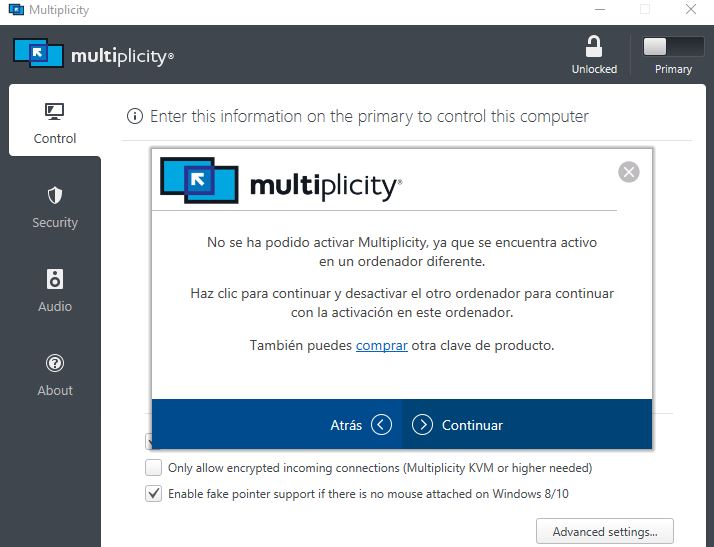
First screenshot, look like you have activation done on another computer. You will need to deactivate it first to activate on another system. Do know that you just need to activate on primary computer. Secondary computer for Multiplicity does not need activation. Try this guide to review activation and deactivate old activation: https://forums.stardock.com/486311/accounts-and-activation-support-faq#reviewactivations
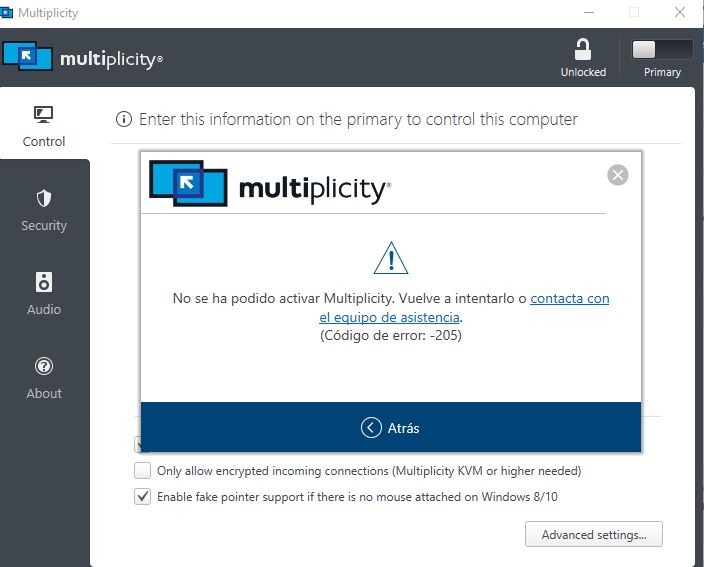
Second screenshot, Try this guide: https://forums.stardock.com/486311/accounts-and-activation-support-faq#activationerror
Thanks
Basj,
Stardock Community Assistant.
Stardock Forums
Top
Hola, no hay enlace, ¿podría desactivar todas las entradas?
 Stardock Forums
Top
Stardock Forums
Top
I don't have enough administrative right to reset your activation. Please post screenshot on what you see on your product page under multiplicity.
Thank you,
Basj,
Stardock Community Assistant
Welcome Guest! Please take the time to register with us.