Reply #1 Top

Hello,
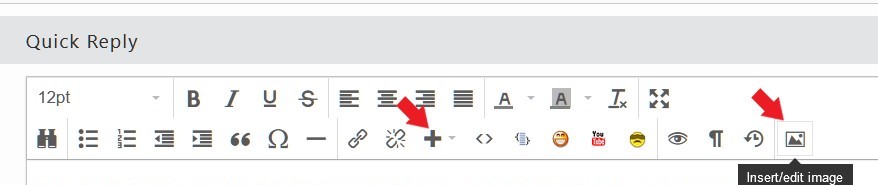
Sorry to hear you are having issues. But, I can not see the image you posted please use one of this two icons to post an image.

Thanks
Basj,
Stardock Community Assistant.

Reply #2 Top

Change the Default Window mode to Dark and the Taskbar text will be white. Windows Settings>Personalization>Colors.

Reply #3 Top

Thanks, now it is ok.
But is there another way to leave the other windows screens in white and this taskbar part the color in white?

Reply #4 Top

Set Windows mode to Dark, and app mode to Light.