Start 11 fails at showing taskbar correctly when dsiplay in changed in portrait mode
from  Stardock Forums
Stardock Forums

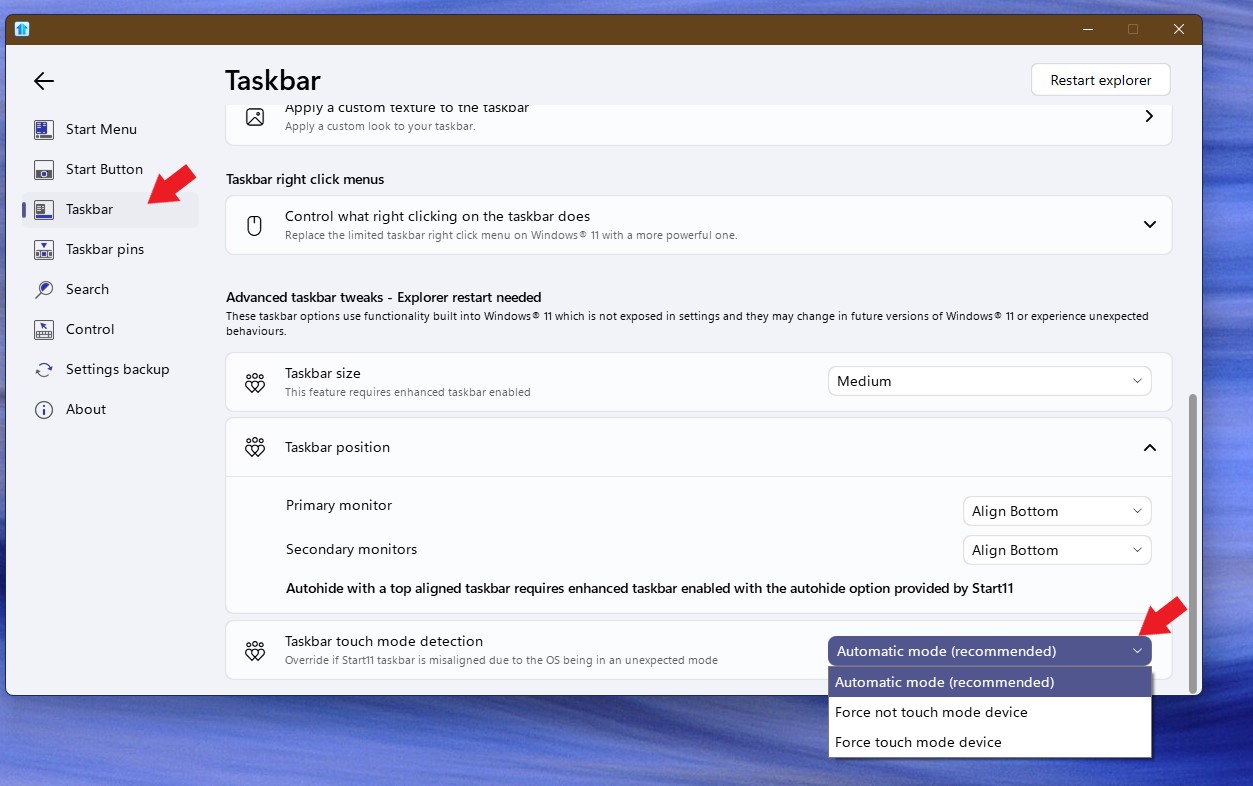
 Start 11 fails at showing taskbar correctly when display in changed in portrait mode. I have a Microsoft Surface tablet/laptop that I use for display of printed music on stage. When I turn the device 90 degrees to be in portrait mode, the display becomes all wrong, and all functionality is gone.
The behaviour is not always the same, but occurs somewhat differently each time. It appears to have been introduced in one of the latest updates/upgrades, since a few months ago there was no problem with it at all.
See attached screen images, on top the wrong display in portrait mode, below that the normal landscape mode.