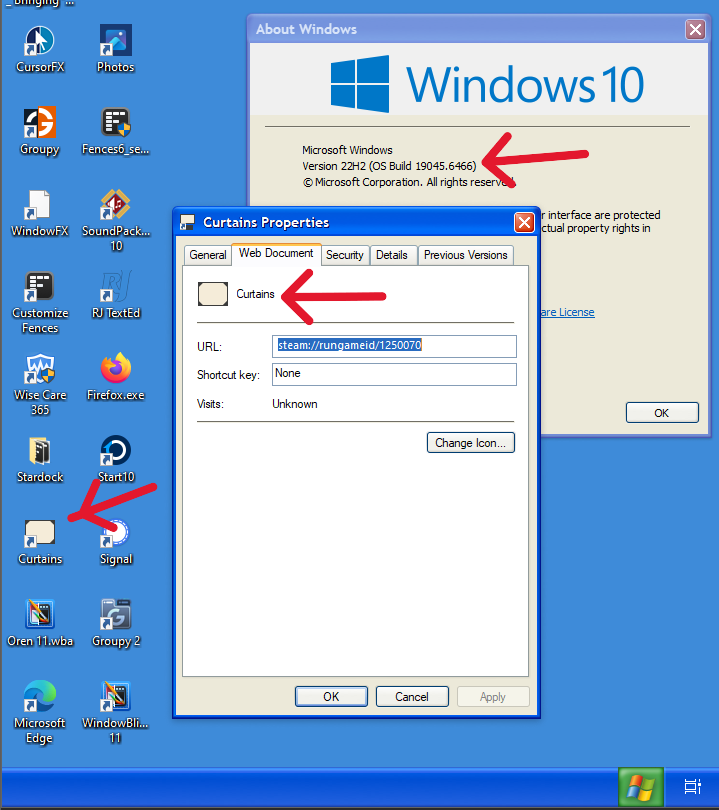
I tested on my Windows 10 VM and it look like I still can change it. But, do note that I am not at the latest Windows 10 OS Build.
Thank you,
Basj,
Stardock Community Assistant
End of basj's quote
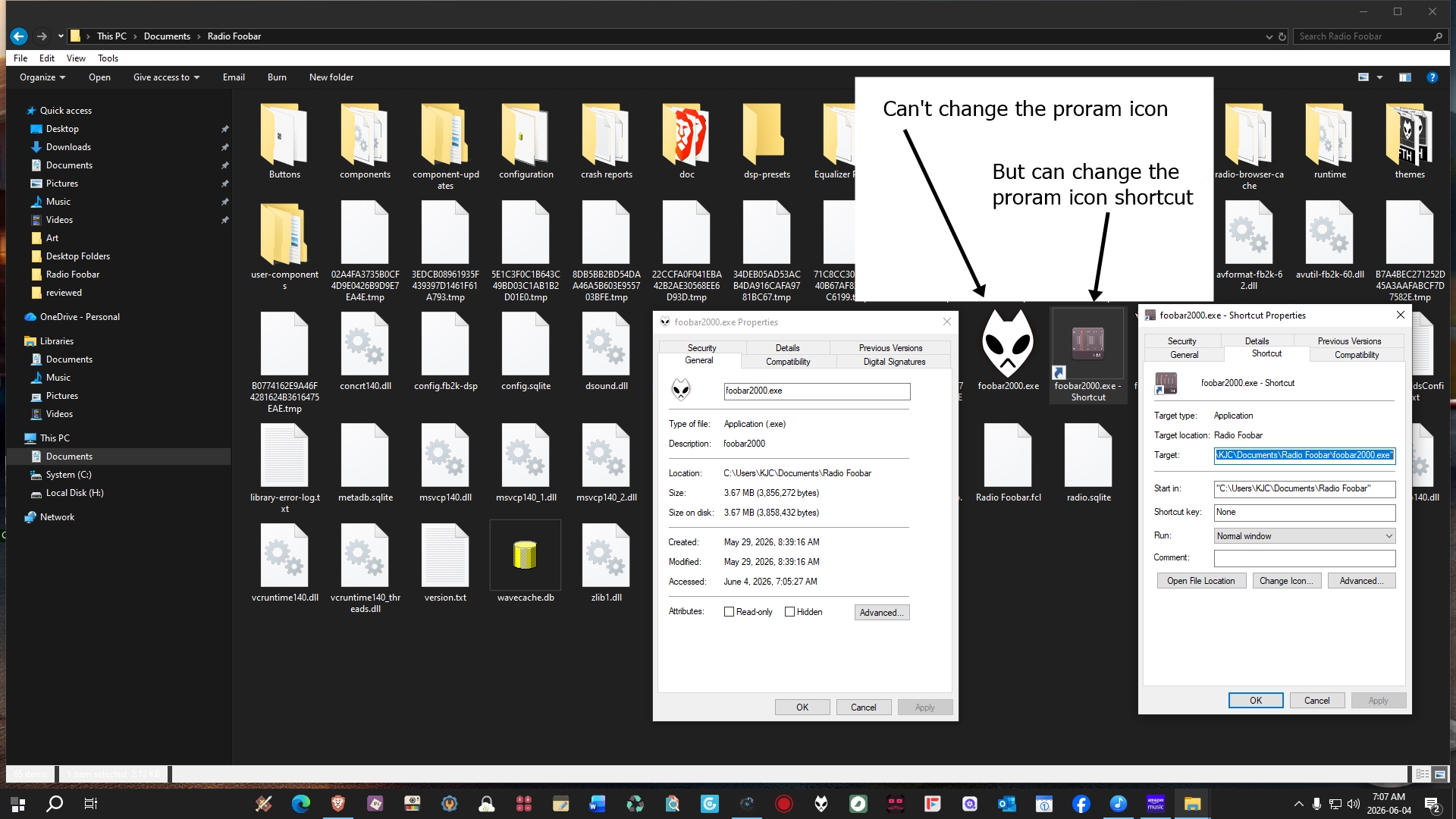
Yes, but that is for a shortcut, not for the program .exe file. For example, I installed a portable version of Foobar2000; inside the program folder, there is a Foobar2000.exe file to launch the program; I cannot change that icon. I placed the folder in my documents and created a shortcut to the Foobar2000.exe file on my desktop and changed the icon for it.
The-Reaper_Man said, "Executable programs will only accept the icon of the program, not a custom icon." "Does anyone know how to fix this?" So I am assuming that he wants to be able to change the icon of .exe files ("Executable"), not a shortcut to said .exe file, because doing that works with Windows 10.
Like I mentioned, I don't know if you could ever change the icon of an executable file without using a third-party program such as Resource Hacker; I can remember using that program to do so.


 WinCustomize Forums

 Stardock Forums