


Transparency overload
How do I get rid of it all?
 Stardock Forums
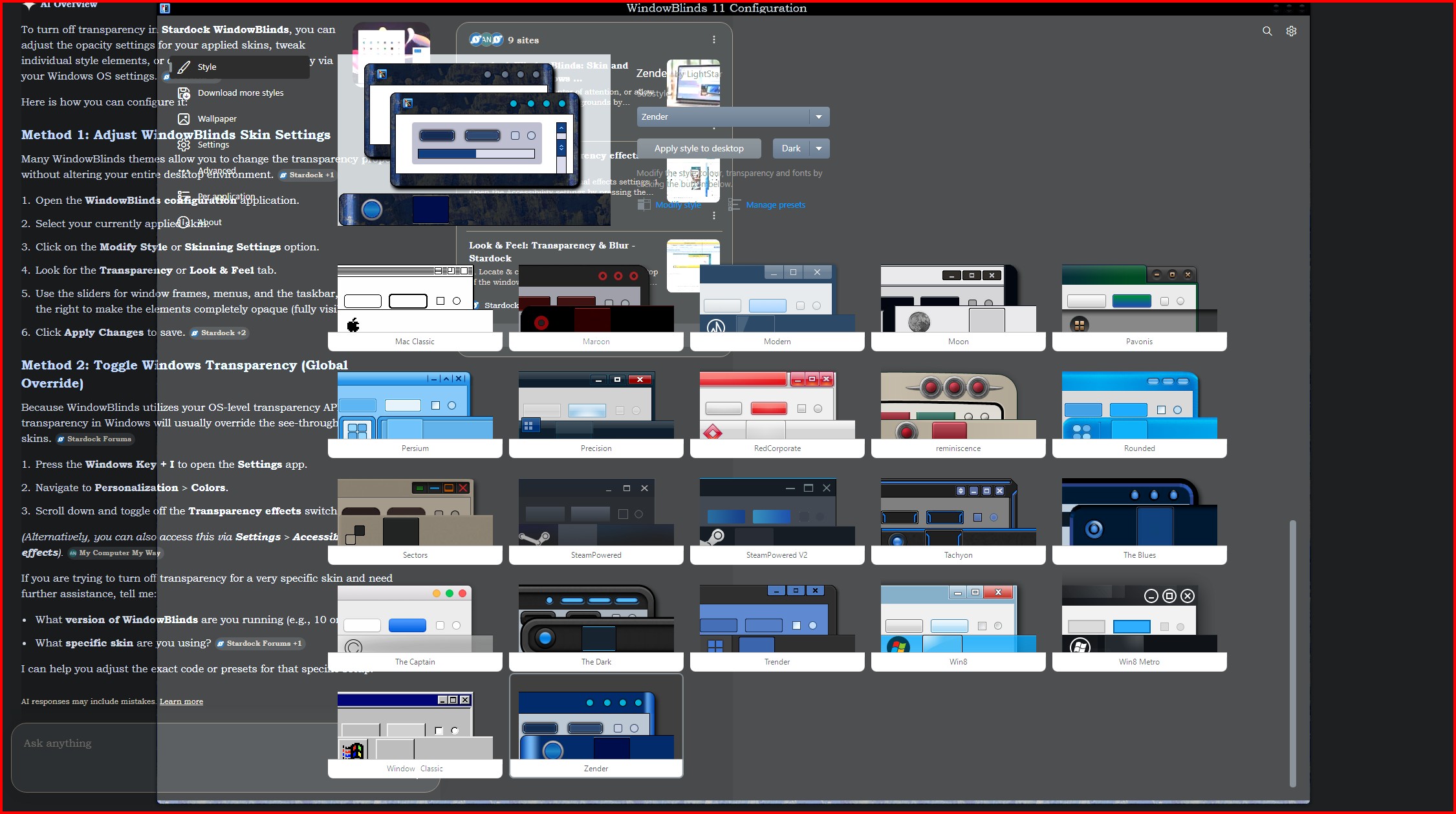
When I try to open any task, in this instance, it is photo software, I cannot see the vast majority of it because it is totally transparent.
I have tried to modify the theme, and under transparency, I have set it to both extremes, but it makes no difference. I have tried the Windows settings in Personalization/colours to no avail.
You try viewing a picture when it is as clear as glass.
If I disable it on bootup with Ctrl+C, I can see everything properly. Booting normally, the transparency is out of control.
It has been happening for weeks, and I do not recall when it started. I had not been into Windowblinds, though, I know that for sure. I have had no need to open it up once everything was set up to my liking.
I am hoping that someone can throw me a lifeline and rescue me from this.
Cheers,
Neil :-}
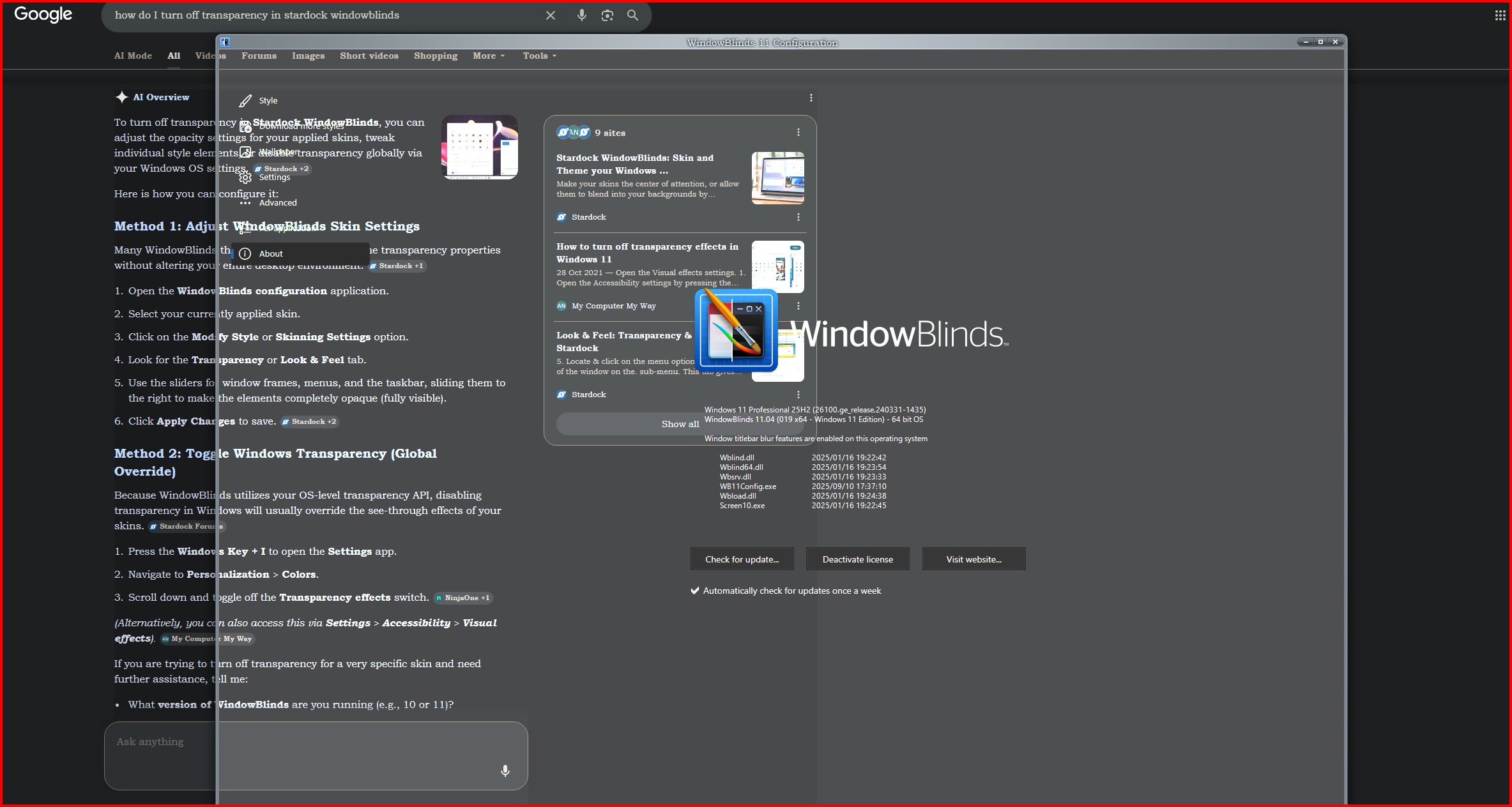 A quick update. For some reason, my Photo Software does not show in the screenshot. It still shows the issue, though. Windowblinds is actually behind in this image, not in front.