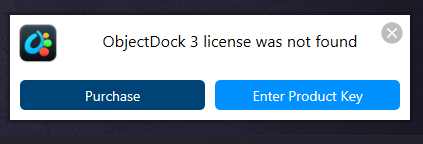
Activation
Works for a day or 2 then activation issues
 Stardock Forums
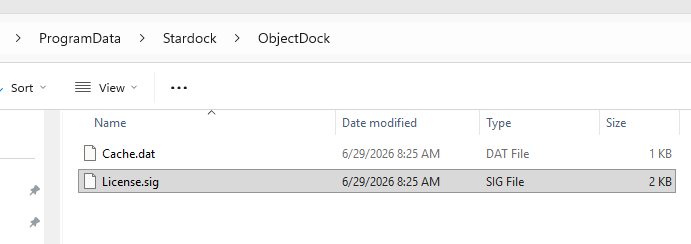
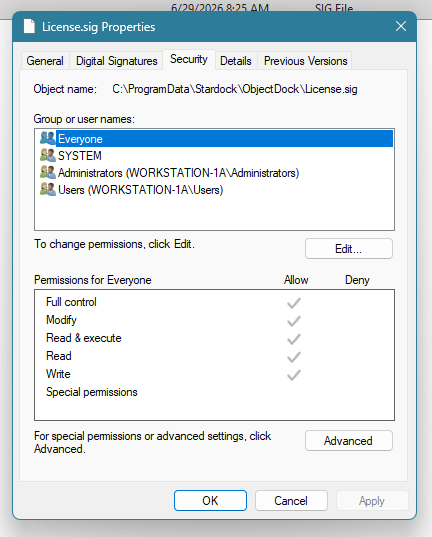
I am having an issue with Object Dock, a couple of weeks ago I was doing system maintenance, one of the options I ran was to delete redundant files. A short time after that on reboot Object Dock screen appeared wanting my activation code; I entered it but OD would not activate. I uninstalled OD, reinstalled it, entered the activation code and it activated. After that I was good for several days, but the same thing happened again, I did the uninstall/reinstalled again, good for a few days the back to the activate screen; I've had to do this at least 4 times over the last couple of weeks. This morning, the same thing happened, uninstall/reinstalled OD is up and running but it is a matter of time until I will have to do it again. I have been using OD for many years and have never had any issues.
 WinCustomize Forums