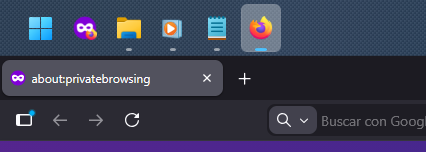
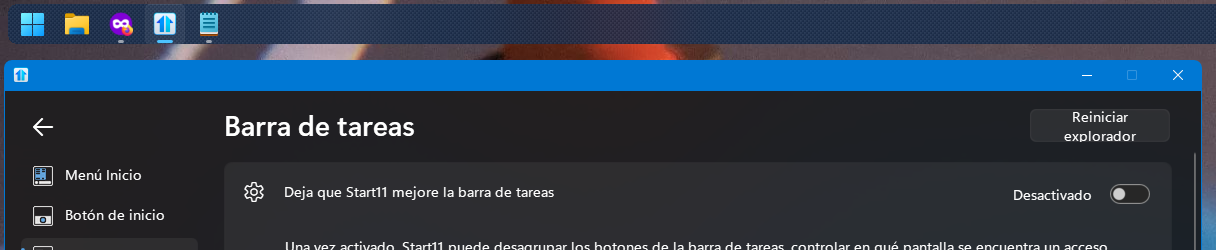
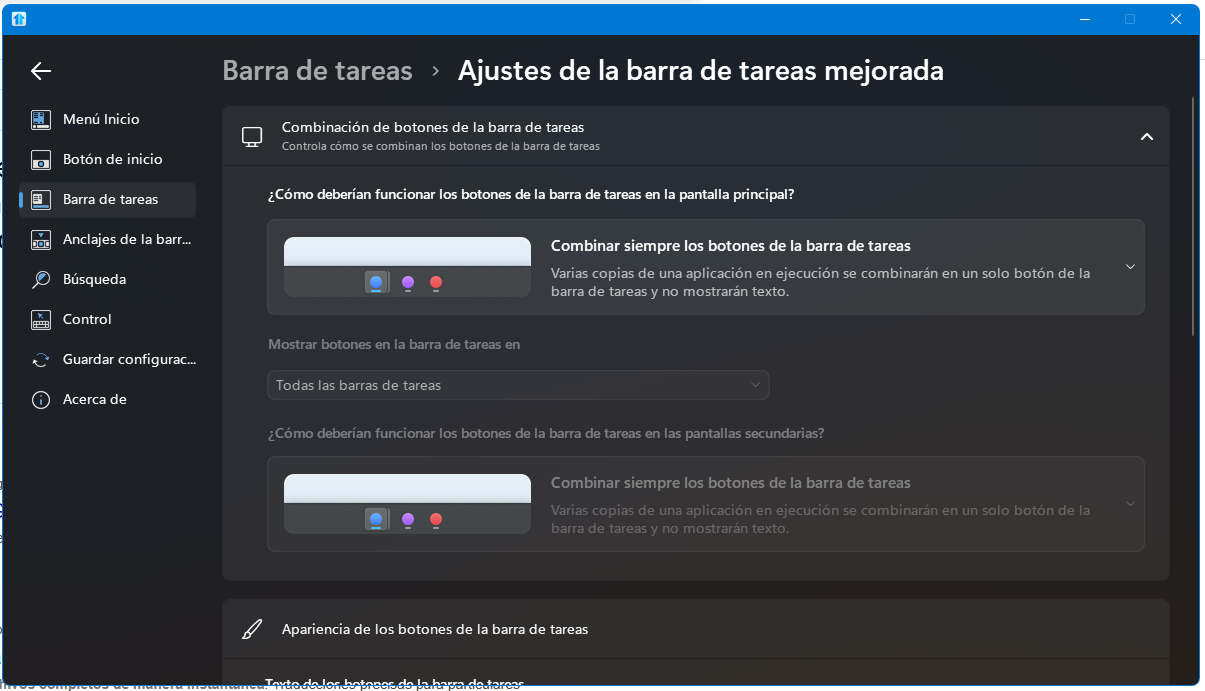
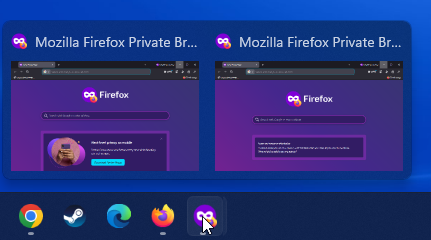
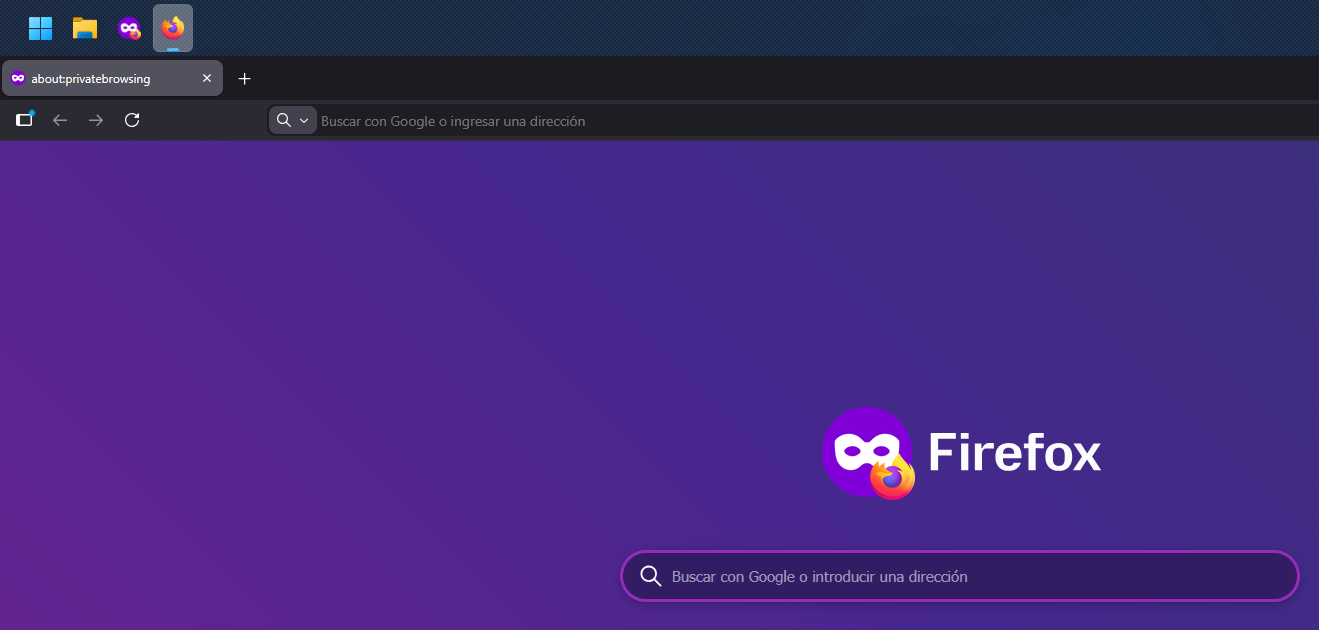
Here is a screenshot showing that I am in Incognito mode in Firefox, but it isn't grouping on the taskbar.
End of hugoe77's quote
I'm not reproducing this, and I'm not sure how you are. You might have different extensions/themes/custom settings with Firefox itself, or perhaps you pinned the applications to the taskbar in an unusual way.
One clue could be where it says "about:privatebrowsing" on your browser tab, where for me that says (as it normally would) "New Private Tab". Another clue could be the fact that your normal Firefox browser has the underline/highlight to indicate that one has focus in Windows. When you're using the Private browser, that should underline the Private taskbar button.
You could try typing "about:support" in your address bar to investigate/troubleshoot if there's an issue with Firefox itself, and you could try unpinning then pinning the applications to your taskbar again to see if that helps.
Another suggestion (if necessary and possible) could be a test in Windows Sandbox. That might help to isolate how exactly to reproduce the issue. Without clear steps resulting in a way to reproduce this, I'm afraid we've reached the limit to what we can suggest.
Best regards,
Adam McGuinness
Stardock Support Specialist


 Stardock Forums