


SOLVED: Start 11 2.73 "Windows 10 style" No Longer Displays
from  Stardock Forums
Stardock Forums
Something not good happened after I upgraded my copy of Start 11 to v2.73. This is not Windows 10 style. How can I return to having Start 11 display Windows 10 style correctly?
NOTE: On further investigation, I have discovered that Start 11 has no effect - none - on my Windows Start menu. Switching to Windows 7 style, Windows app style, Windows Pro style makes no difference. It's as if Start 11 is not even installed.
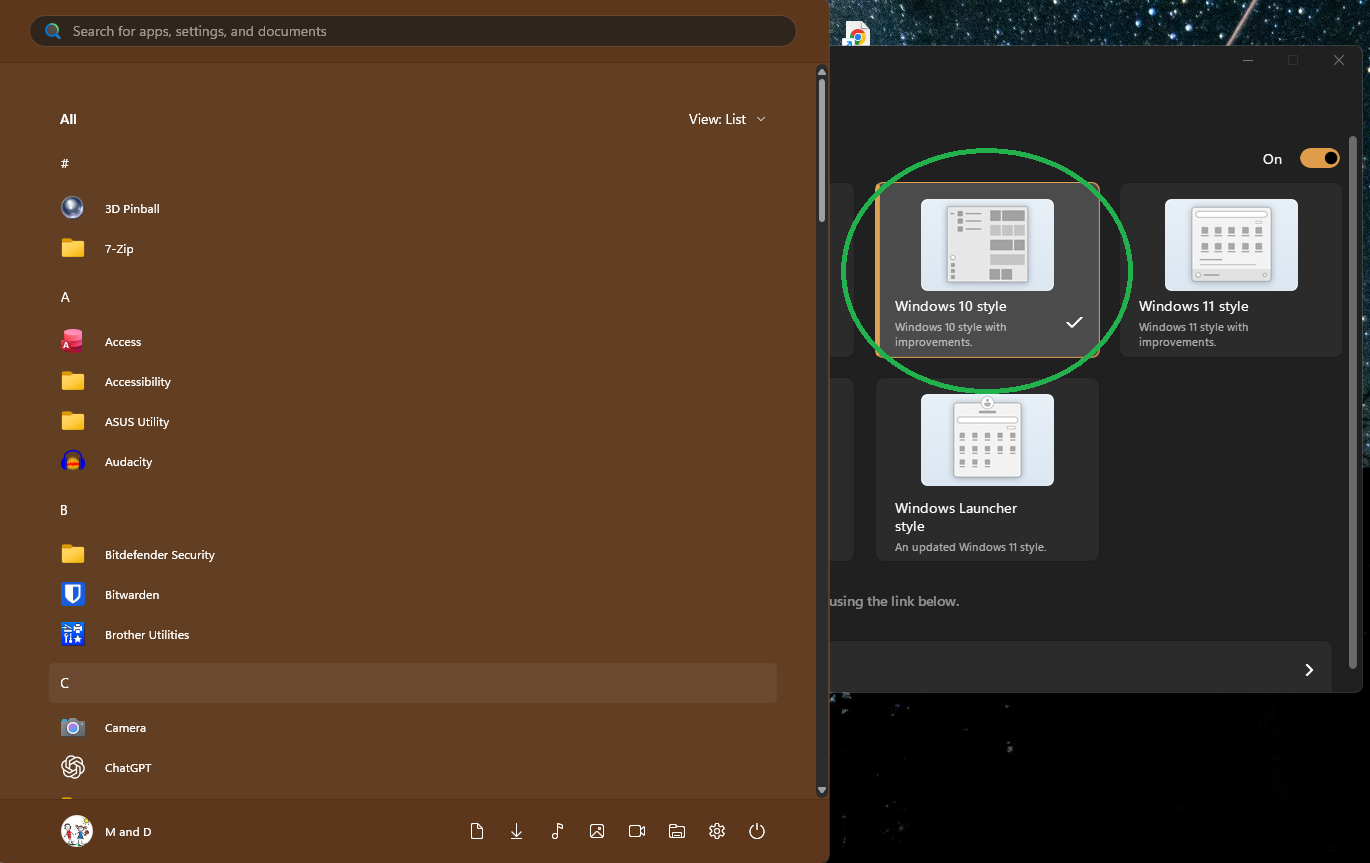
SOLUTION: Start 11 > Control > 'On the desktop' > 'Clicking the Start button opens' was set originally to "Start 11 menu unless in tablet mode". After the upgrade to v2.73, this setting turned off all Start 11 features, as if Start 11 was not installed. Changing the setting to "Start 11" restored Start 11's normal functioning.