
The background effects cannot be used when using DeskScapes 2026.
from  Stardock Forums
Stardock Forums
The background effects cannot be used when using DeskScapes 2026.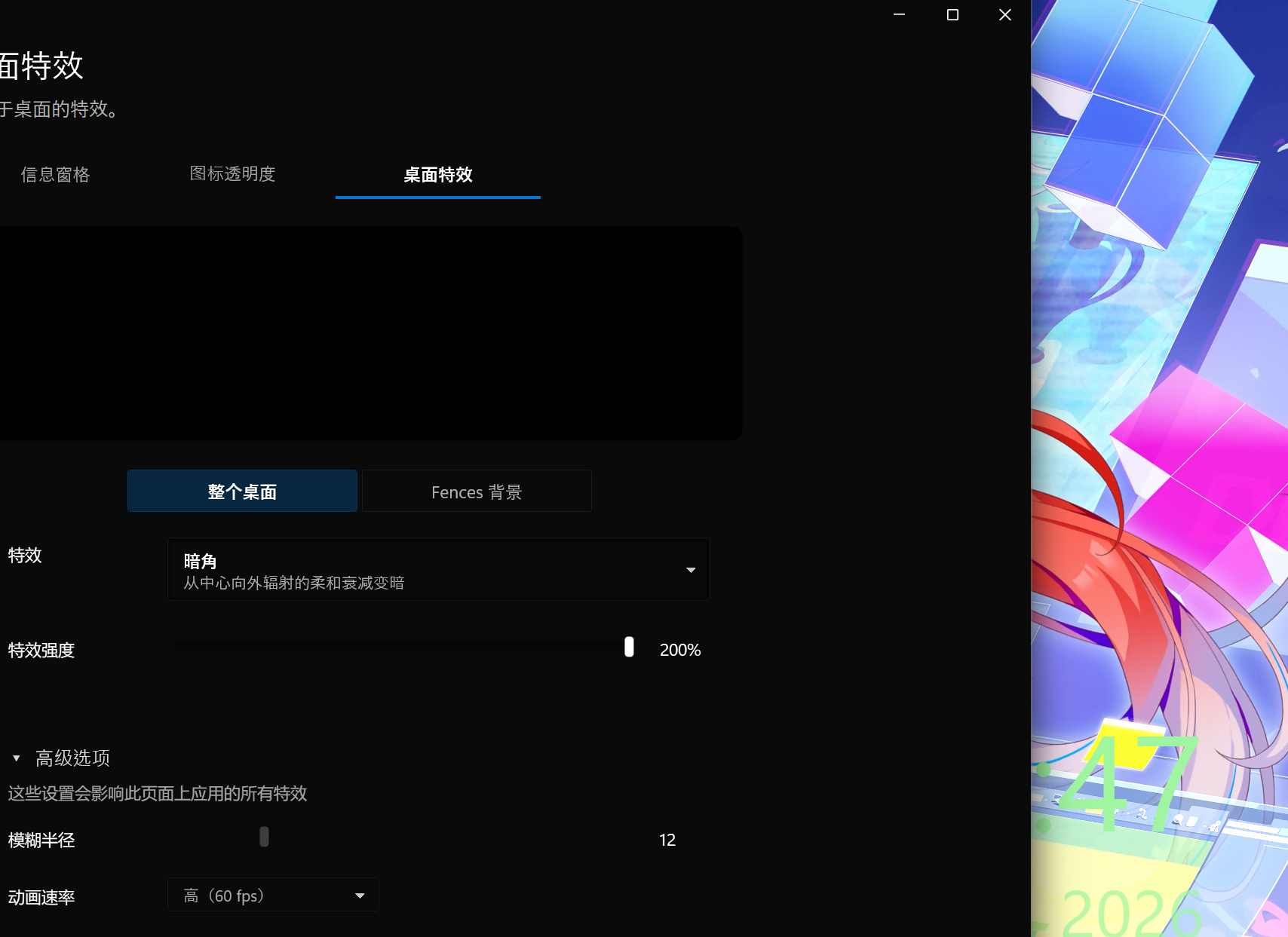

 Stardock Forums
The background effects cannot be used when using DeskScapes 2026.
Hello,
Sorry to hear you are having issues. Please try, uninstall Deskscapes 2026, reboot immediately (important), download latest version available in your account product download page: https://store.stardock.com/myaccount/products. Install it, reboot immediately again. Retest it and report back.
If the issue still appear, we need more information.
Thank you,
Basj,
Stardock Community Assistant.
你好,
很遗憾听到你遇到了问题。请尝试,卸载Deskscapes 2026,立即重启(重要),下载您的账户产品下载页面中的最新版本:https://store.stardock.com/myaccount/products。安装后立即重启。再测试一次,然后反馈。
如果问题依然存在,我们需要更多信息。
是Windows 10还是11?还需要完整版本和操作系统版本号。请使用Winver.exe获取这些号码。
你在贴静态壁纸时遇到什么问题吗?
你在任何效果上都遇到同样的问题,还是只有特定效果?
谢谢你,
巴斯,
Stardock社区助理。
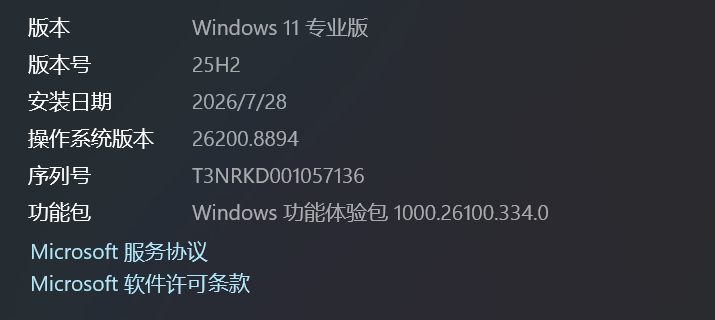
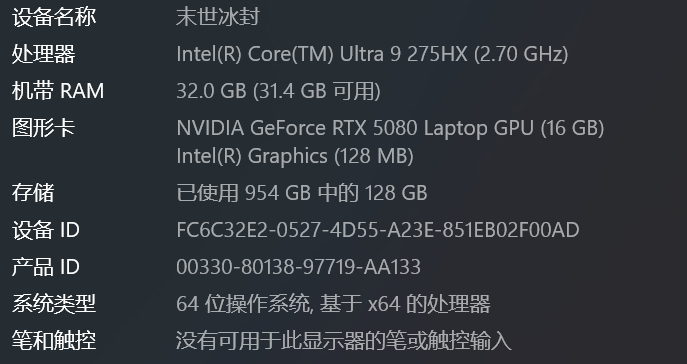
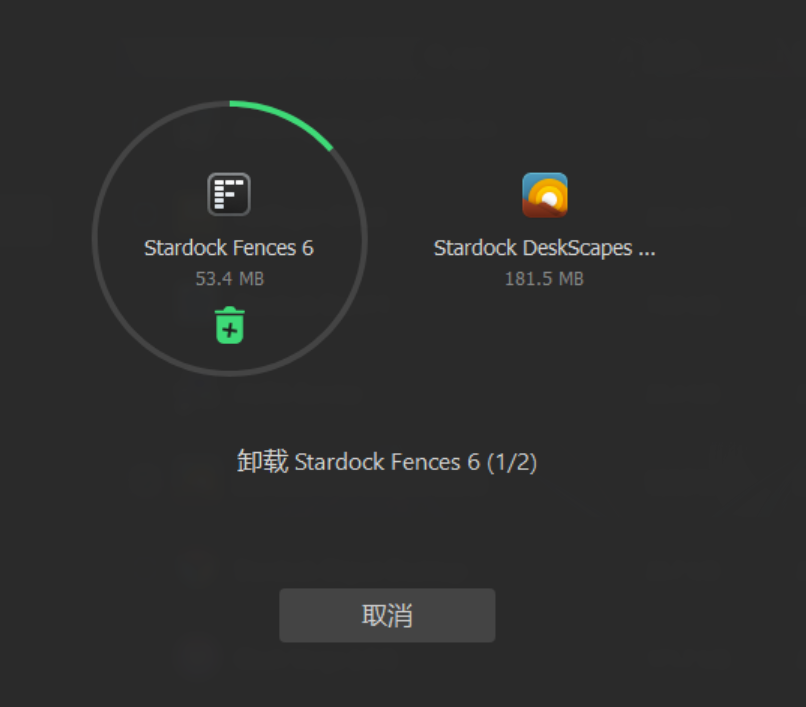
Wait a moment, I’ll restart. Translate

Hello,
Sorry to hear you are having issues. Please try, uninstall Deskscapes 2026, reboot immediately (important), download latest version available in your account product download page: https://store.stardock.com/myaccount/products. Install it, reboot immediately again. Retest it and report back.
If the issue still appear, we need more information.
Windows 10 or 11? Also need its full version and OS Build number. Please use Winver.exe to get these numbers.
Do you have any issue applying Static Wallpapers?
Do you see the same issue on any Effect or only specific effect?
Thank you,
Basj,
Stardock Community Assistant.
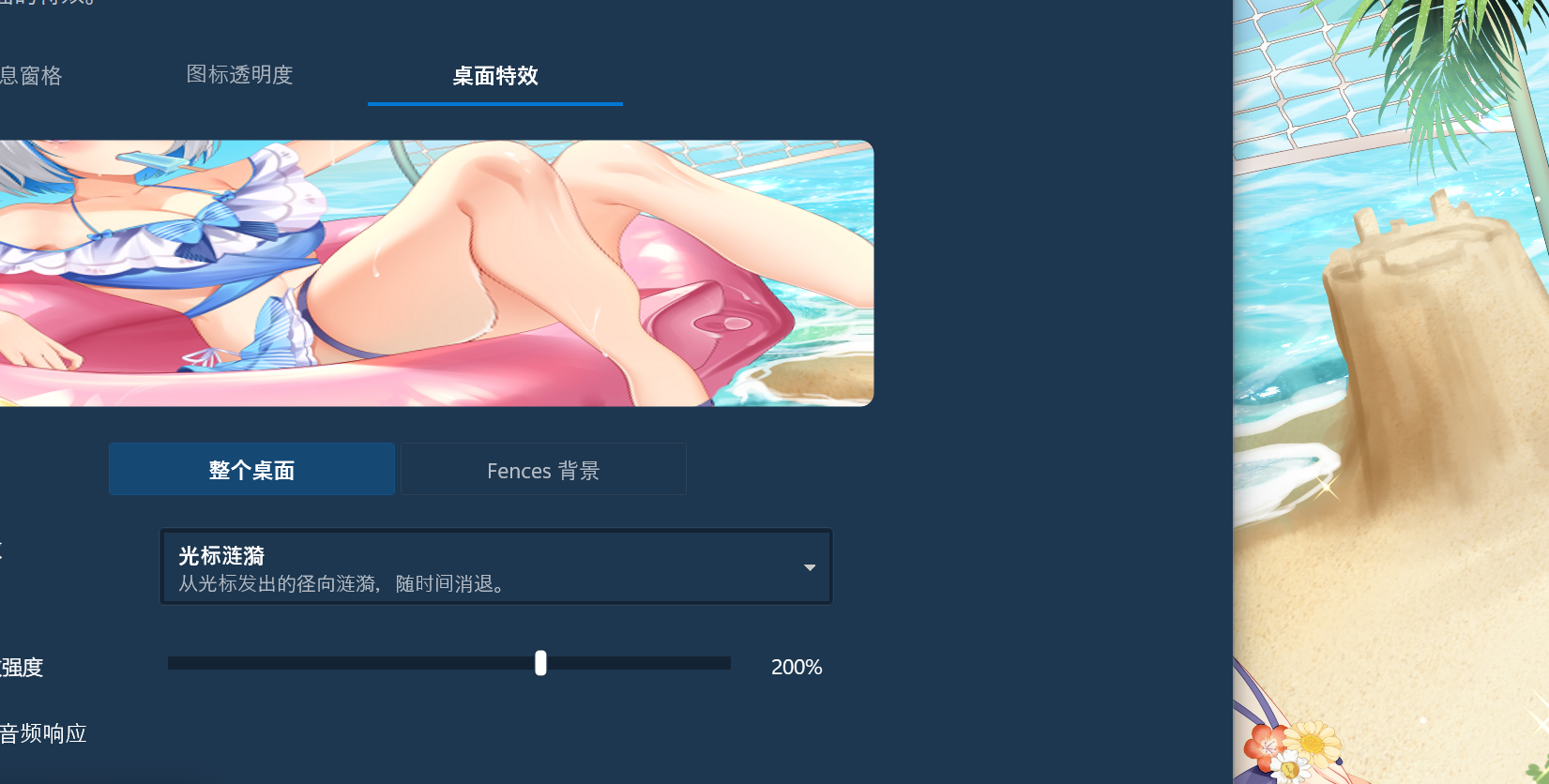
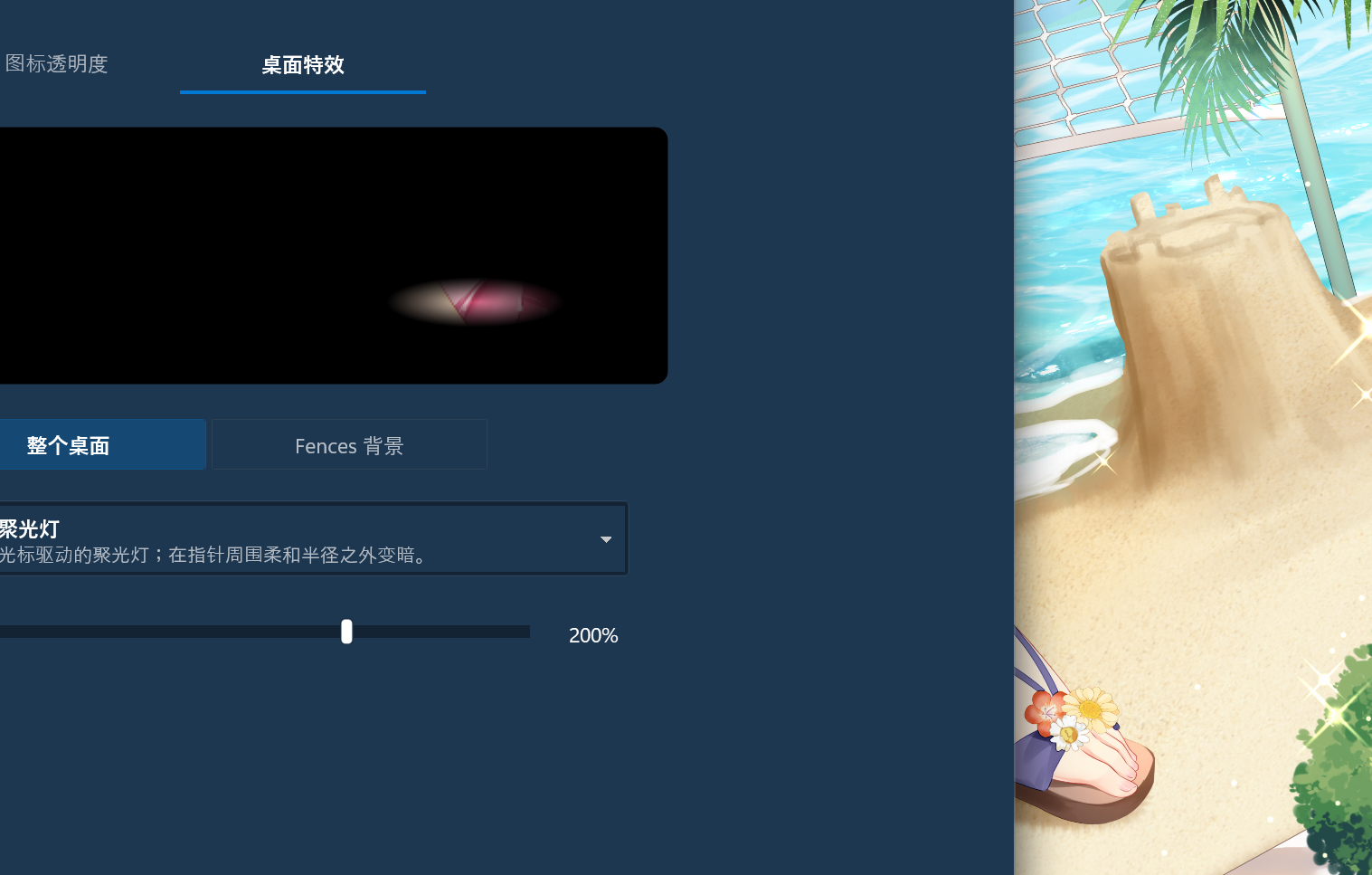
Do you have any issue applying Static Wallpapers?
Do you see the same issue on any Effect or only specific effect?
Anything on these two questions? Also, have you tried the uninstall reboot, redownload, reinstall reboot and test steps?
Thank you,
Basj,
Stardock Community Assistant
這兩個問題有什麼答案嗎?另外,你有試過卸載重啟、重新下載、重裝、重啟和測試步驟嗎?
謝謝你,
巴斯,
Stardock 社群助理
I’ve tried everything, and even reinstalled the system, but it still doesn’t work
Please try purge and reinstall steps as mention here : [Link]. Just make sure to redownload the latest version from your account page. Reboot after the purge. Reinstall and reboot again after the installation. Retest and report back here.
Thank you,
Basj,
Stardock Community Assistant.
Welcome Guest! Please take the time to register with us.
Select a reason for giving karma:
You're about to visit an external site:
Sign up here to get the latest news, updates, and special offers delivered directly to your inbox.