Start11 v1.5.6 - New taskbar at top of screen

After my latest upgrade I am seeing a second taskbar at the top of my screen.  This was never there before. It shows up mostly when I am in my Outlook app.  How do I get rid of it? I don't see any settings to remove it.

Thanks
 

1,100 views 7 replies
Reply #1 Top

Hello,

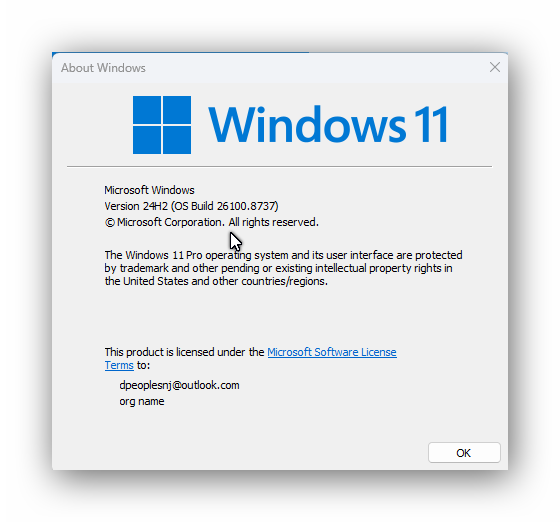
Sorry to hear you are having issues. Need to know your Windows full version and OS Build number. Use Winver.exe.


Thank you,

Basj,

Stardock Community  Assistant.

Reply #3 Top

Hello,

I am testing this now on my system, but I can not reproduce your issue on my system. Any specific steps need to be done to force the extra taskbar to appear?

I am on Windows 11 25H2 (OS Build 26200.8875), perhaps, try to update your system to Win 11 25H2 and see if the issue still appear.

Thank you,

Basj,

Stardock Community  Assistant

Reply #4 Top

If you mouseover the real taskbar to show the popups, does this second taskbar go away?

Reply #5 Top

If I click on the bottom taskbar it does make the top taskbar disappear but it is only temporary.  The upper one comes back as soon as I try to do something else. This looks like a bug that was introduced in the last version update I installed.

Reply #6 Top

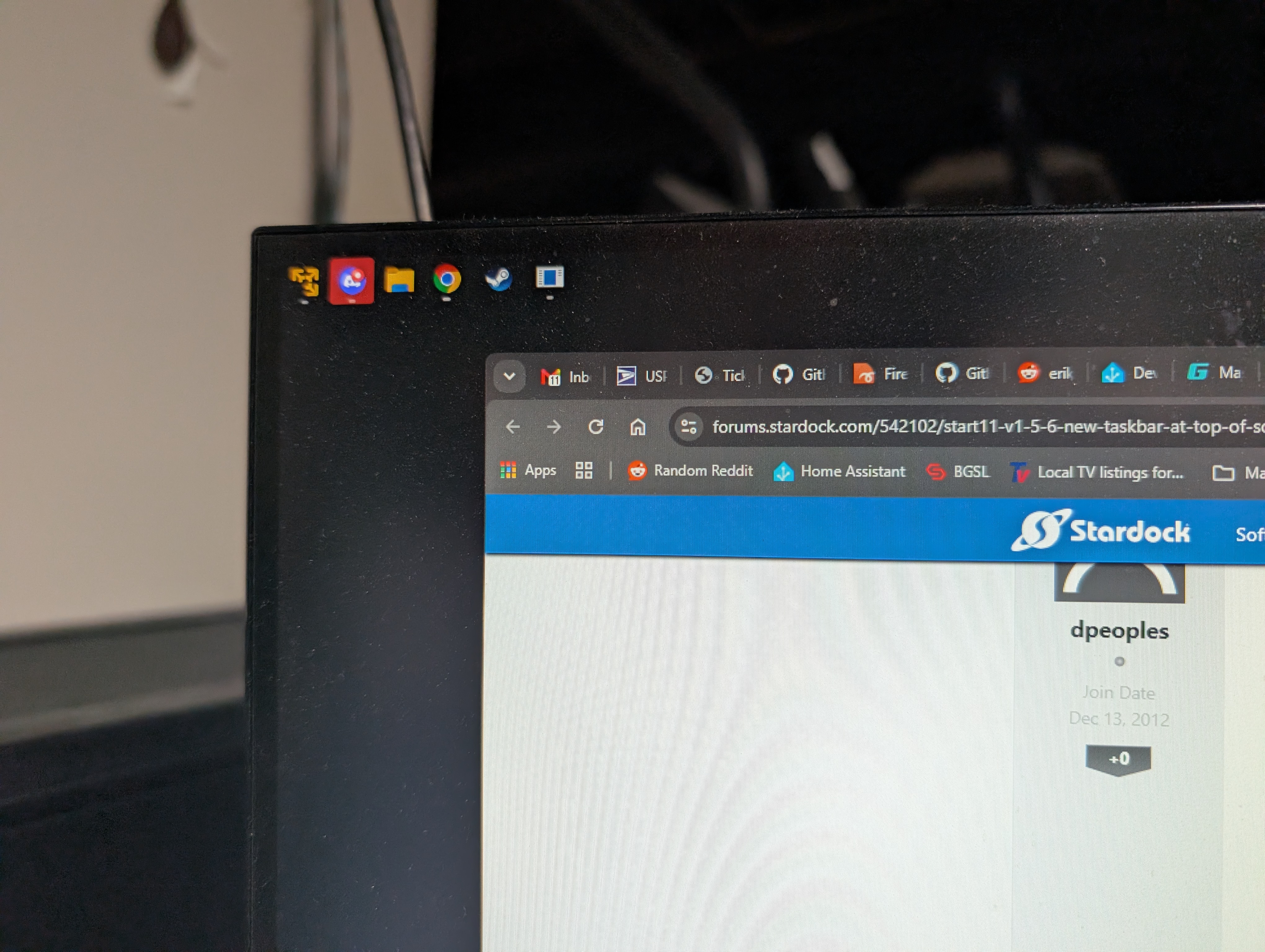
I'm having the same issue. Can't take a screenshot of it because it disappears when the screenshot is taken, but reappears when I click on the background or any other window on my computer. Running Windows 25H2 26200.8875 and Start11 1.56.

The extra taskbar icons show up on my second monitor (top left of my desktop)

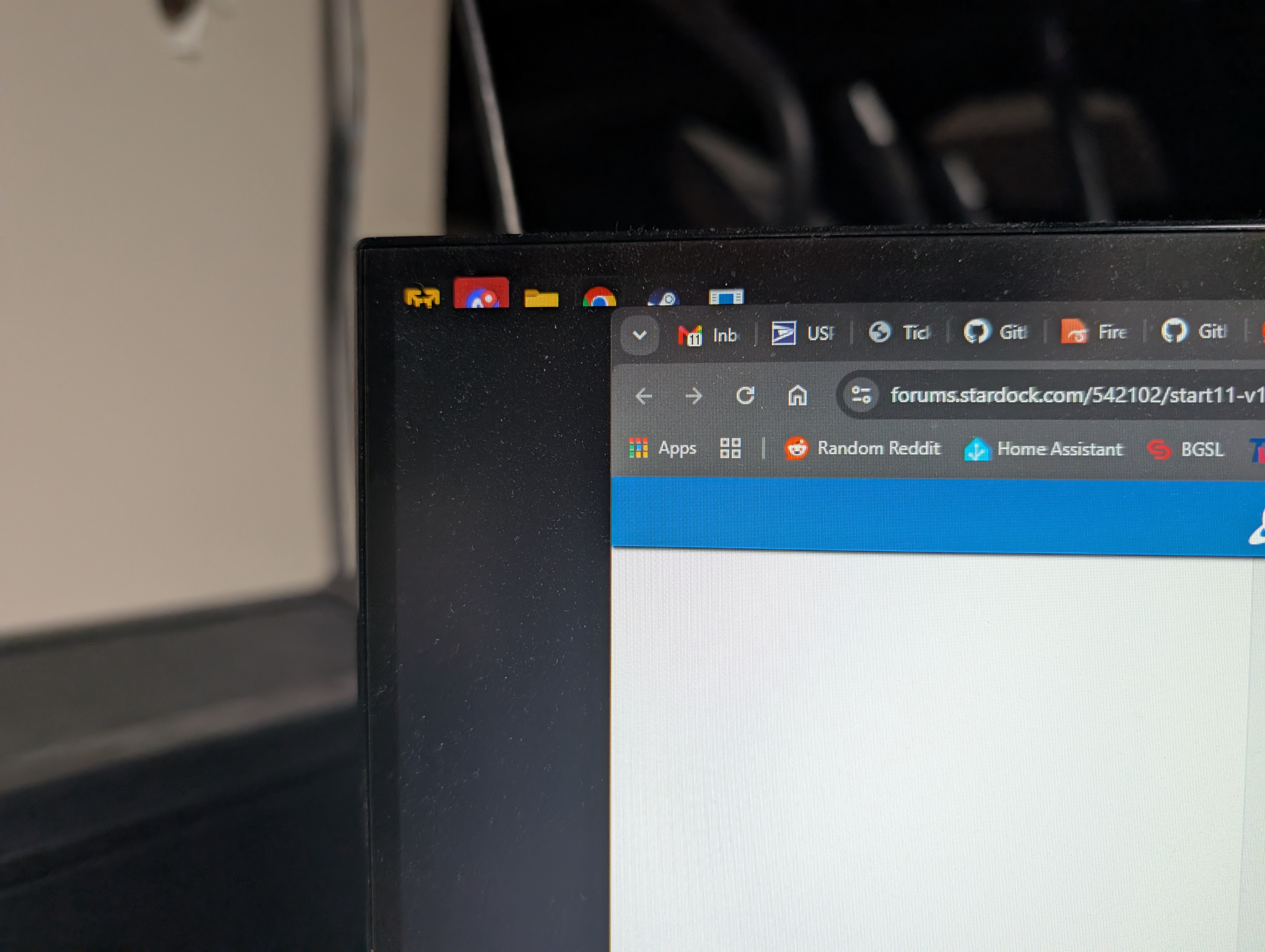
Extra Taskbar

If I bring another window up to the level of these extra icons they get cut off:

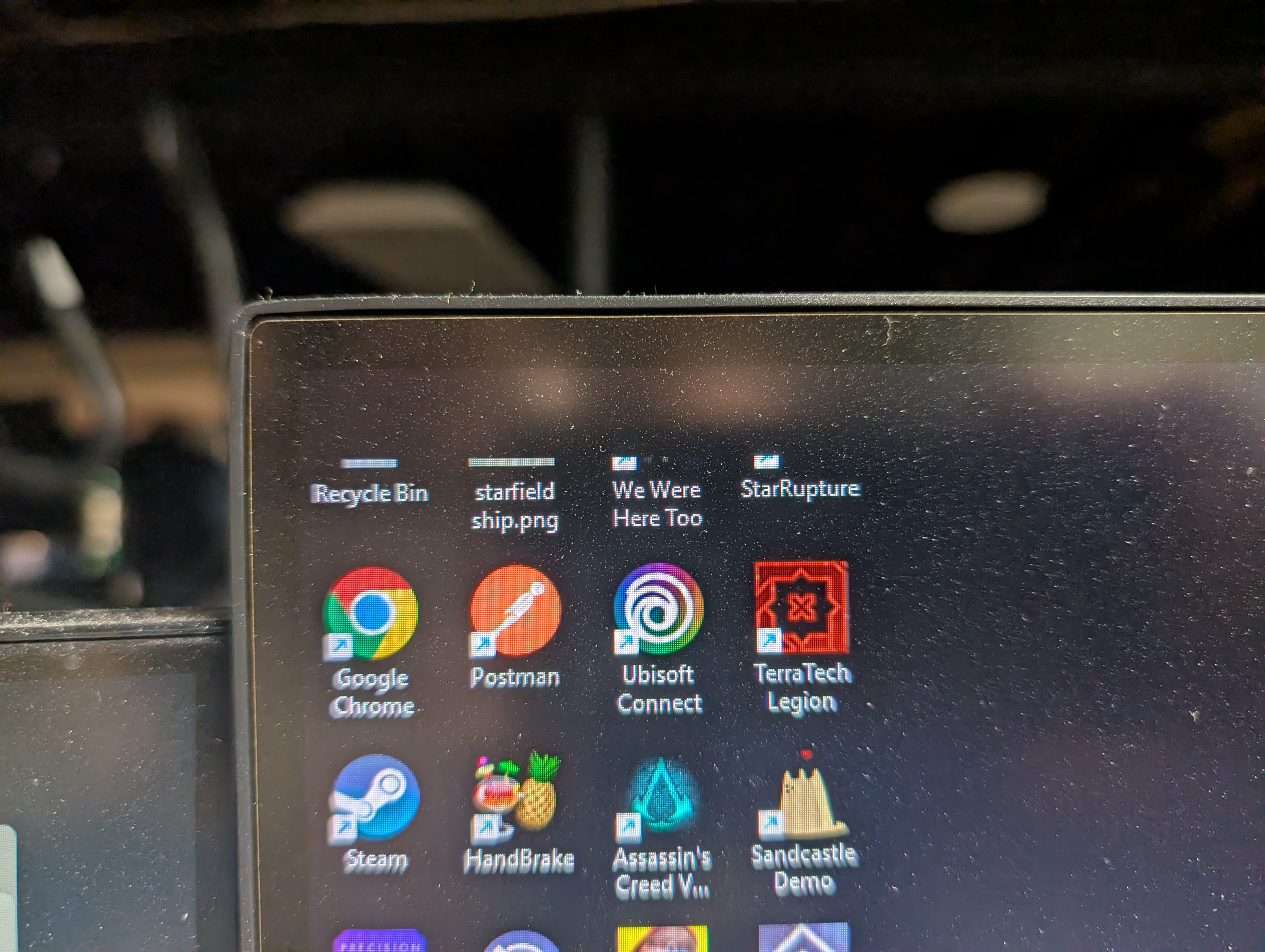
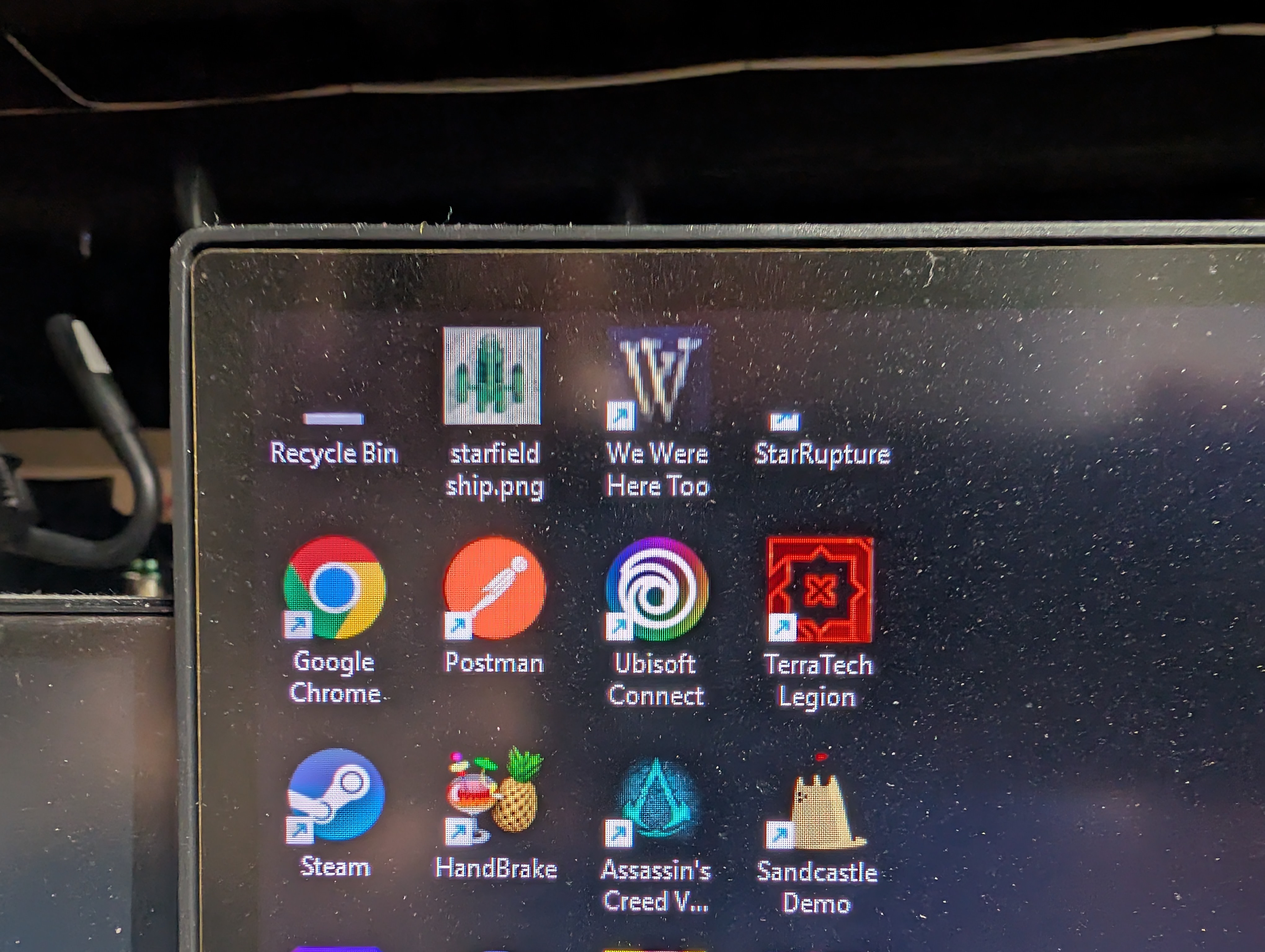
The icons on the top left of my main monitor get blacked out when these show up

Although if I mouse over them they get restored until I click into any program

This has survived several reboots, and happens when I'm in full screen games as well, the top left of my main monitor gets a black chunk taken out about the size of the icons on my secondary monitor

Reply #7 Top

I wound up having to upgrade to v2 in order to fix the problem.  It's a shame that I had to pay for an upgrade to fix a problem  introduced by a bad patch in v1.