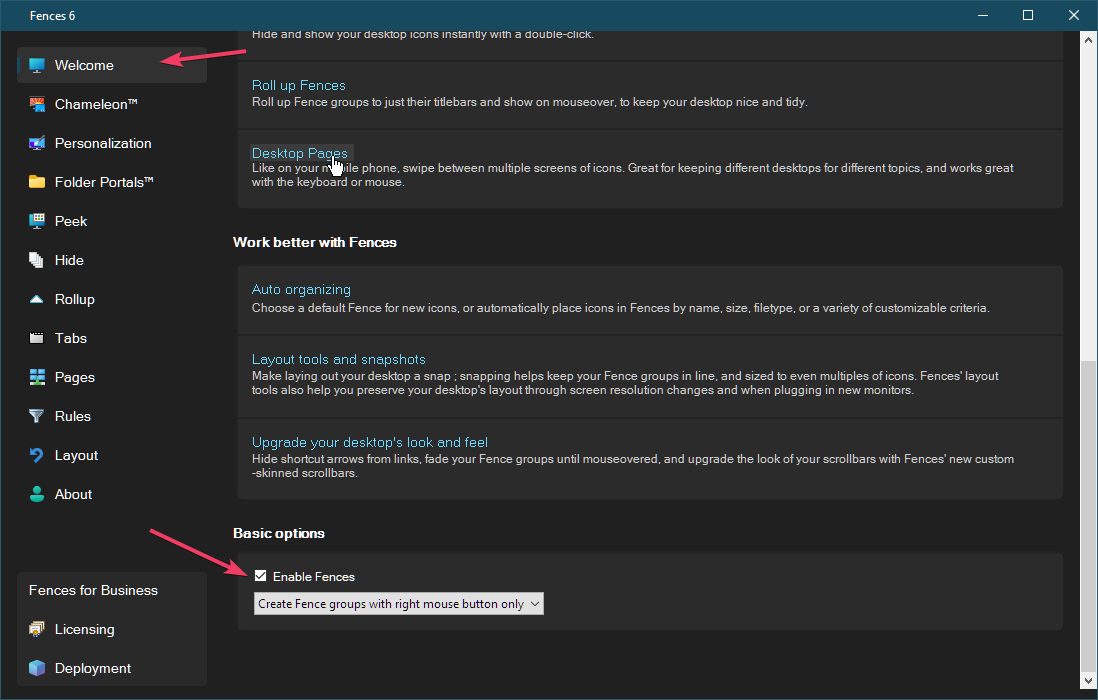
Spacing between icons is auto set. No option to change that??
In previous version the spacing between my icons was closer to each other. Now the spacing seems to be pre -determined. Can that be fixed?

In previous version the spacing between my icons was closer to each other. Now the spacing seems to be pre -determined. Can that be fixed?

Hello,
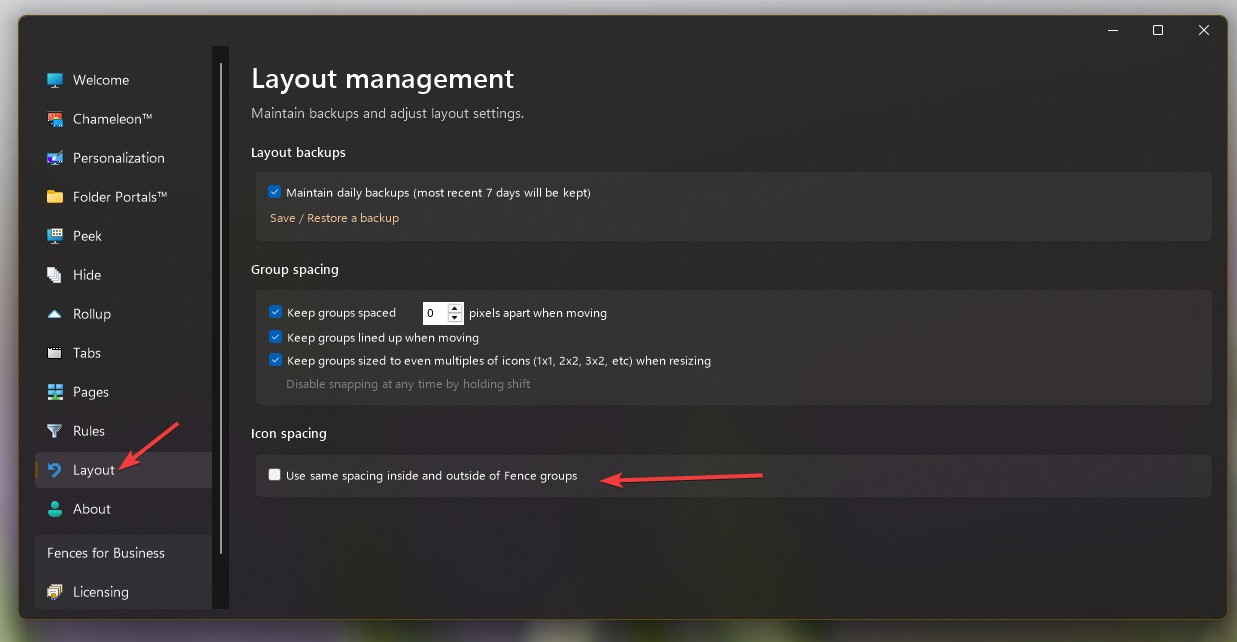
Sorry to hear you are having issues. Have you tried turning on this setting?

Thank you,
Basj,
Stardock Community Assistant.
Nope that doesn't help. Tks
If you disable Fences, does your desktop icons spread out like your screenshot above?

Thank you,
Basj,
Stardock Community Assistant

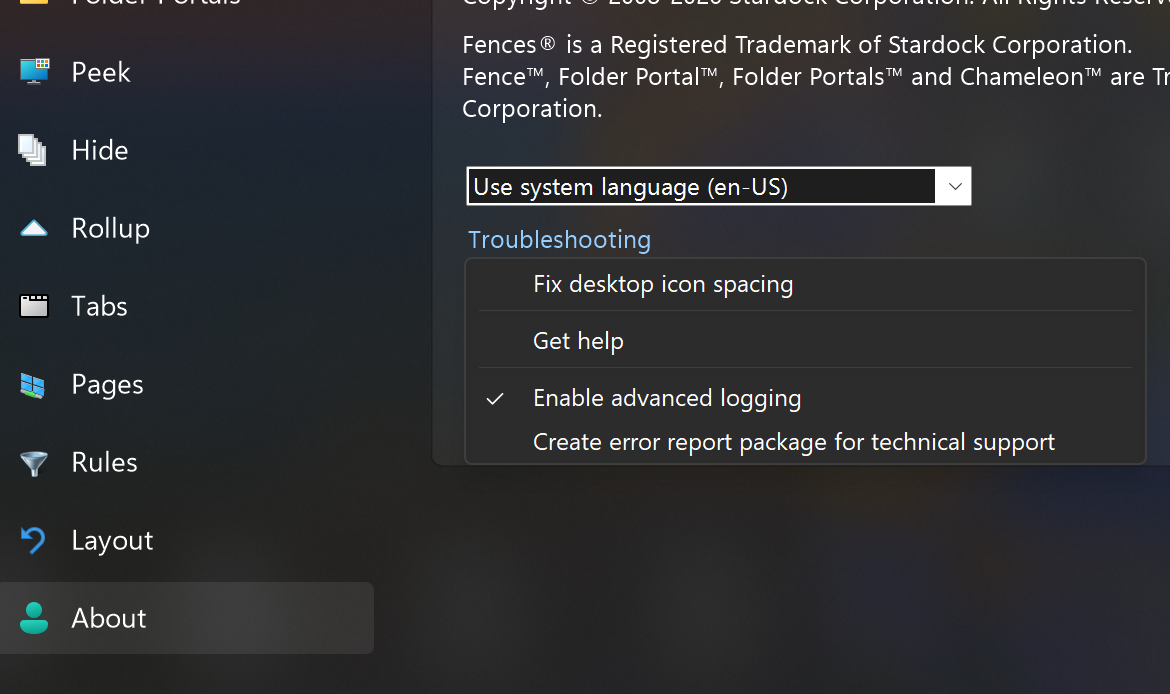
Hi, please try "Fix icon spacing" and log out / log back on.
Loose desktop icon positioning is a Windows setting. Per my colleague's comments above, I'm wondering what the icon spacing is like on desktop with Fences disabled?
We've made adjustments to spacing logic to fix issues on systems that have undergone DPI changes, so looking to make sure this is all set & correct. Our guess is that Fix Spacing will fix, but if not we'll want to look closer.
Thanks for the help.
All good now. Tks
Great, glad to hear that, but which steps did you take that resolved your issue?
Thank you,
Basj,
Stardock Community Assistant
Welcome Guest! Please take the time to register with us.