Cannot move fences between pages

Windows 11

I'm using Fences 6.52 under Windows 11. Great product! Been using it for years. ISSUE: For some reason, I can no longer drag fences from one page to another. I've been through my Fences settings and cannot figure out why. Any suggestions? Thanks.

27WCHX

466 views 7 replies
Reply #1 Top

Hello,

Sorry to hear you are having issues. Just to be sure, have you checked.

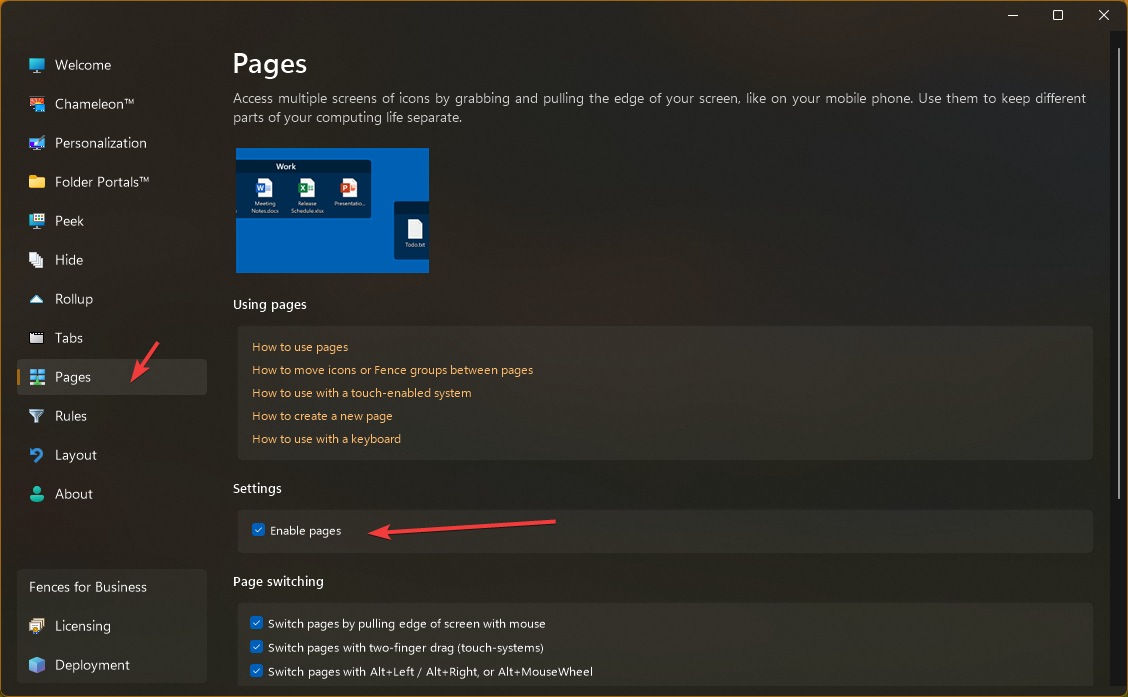
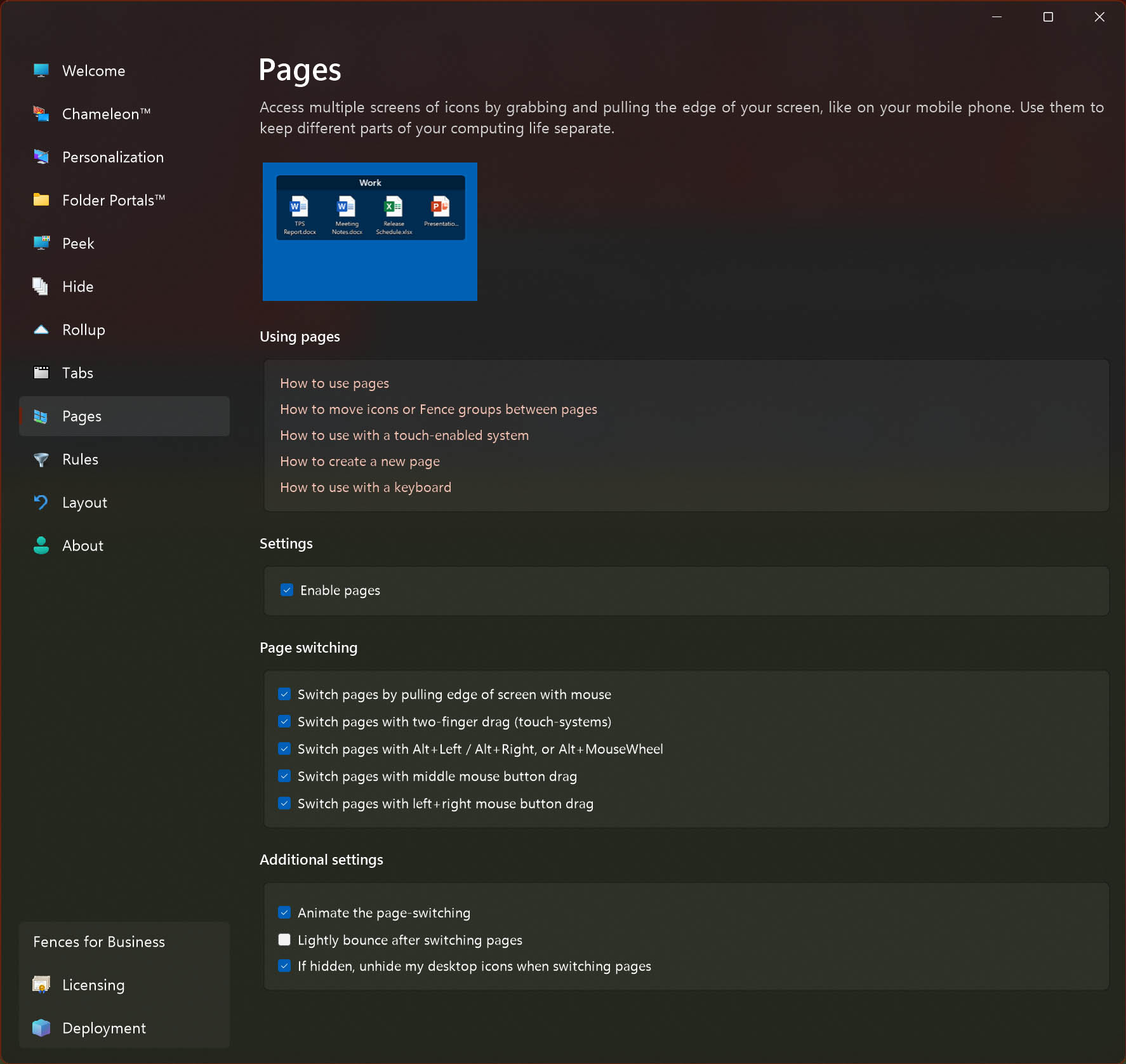
  1. Fences pages is enabled?
  2. Perhaps, did you previously locked you Fences?

Thank you,

Basj,

Stardock Community  Assistant.

Reply #2 Top

Hi Basj, thank you for your prompt reply. I've tried all those things, but no joy. I think the issue may be the latest version of Fences (6.52). Is there a way to roll back to an earlier version of Fences without losing my existing fences?

By the way, I checked the Stardock support page but I can't find any information on how to reinstall or roll back Fences versions.  Thanks again!

Reply #3 Top

I am running Fences 6.52 on my Windows 11 25H2 (OS Build 26200.9168) but I can move Fences to a new page without issue. As long as I have turn on pages

Thank you,

Basj,

Stardock Community  Assistant

Reply #4 Top

Hmmm. I posted a reply minutes ago, but it disappeared? Here it is again: Microsoft Windows 11 Home Version 10.0.26200 Build 26200

Stardock Fences Version 6.52

No joy.


Reply #5 Top

Hi spaceart, you can roll back to any version without losing your settings yes, just be sure careful to not click "remove settings" during uninstall and everything will pick up where it left off. (Also, be sure to reboot after uninstall, before reinstalling.)

If you install a v5 copy on top of v6, tabs will become ungrouped.

Curious to see what's going on but indeed, we're trying it on our test machines and are not seeing this. If you'd like to submit your settings via About → Troubleshooting → Create error report, we can load your settings up and see if it's something we can reproduce.

Are you able to switch pages without issue, but just cannot move groups? Likewise, can you move individual icons, if not groups? What is your monitor arrangement situation like? (Uploading your settings will give us that exact info.)

Tyty

Reply #6 Top

Hi Dr W. Thank you for the support. Can you provide a link to the latest as well as earlier Fences versions? I don't know where to find them.

Yes, I can move easily between pages. I'm not sure what's going on. I discovered that I could move a fence from the second page to the first and back again, but other fences on the first page stubbornly refuse to move from the first page to the second. 

Per your suggestion, I'll create an error report. Thanks again! 😊

Reply #7 Top

Oh wow so it's specific ones!

The one thing that comes to mind – if "View" → "Show on all pages" is set for a specific group, then that group will not cause the pages to switch, i.e. what you're seeing. But, I'm guessing you'd notice. (Perhaps?) So perhaps there's a bug around that.

Be sure to create a report so that we can try to find/fix, and after that, maybe try toggling View → Show on all pages on and off for the group that is "stuck". Maybe that fixes. And either way might be a hint. Hopefully looking at the settings you send with the report helps us figure it out prompt so that it doesn't happen again