How is the Start11 v2 Menu Background Image Applied

Is there a method to get the background image to match the desktop?

I am using the Start11 v2- 2.7.4.0 with the Windows 10 Style menu.

I have captured an image from my desktop that exactly matches the size of my Start menu. When the image is applied without Stretch to show entire texture turned on, I cant get it to match up with my desktop background.
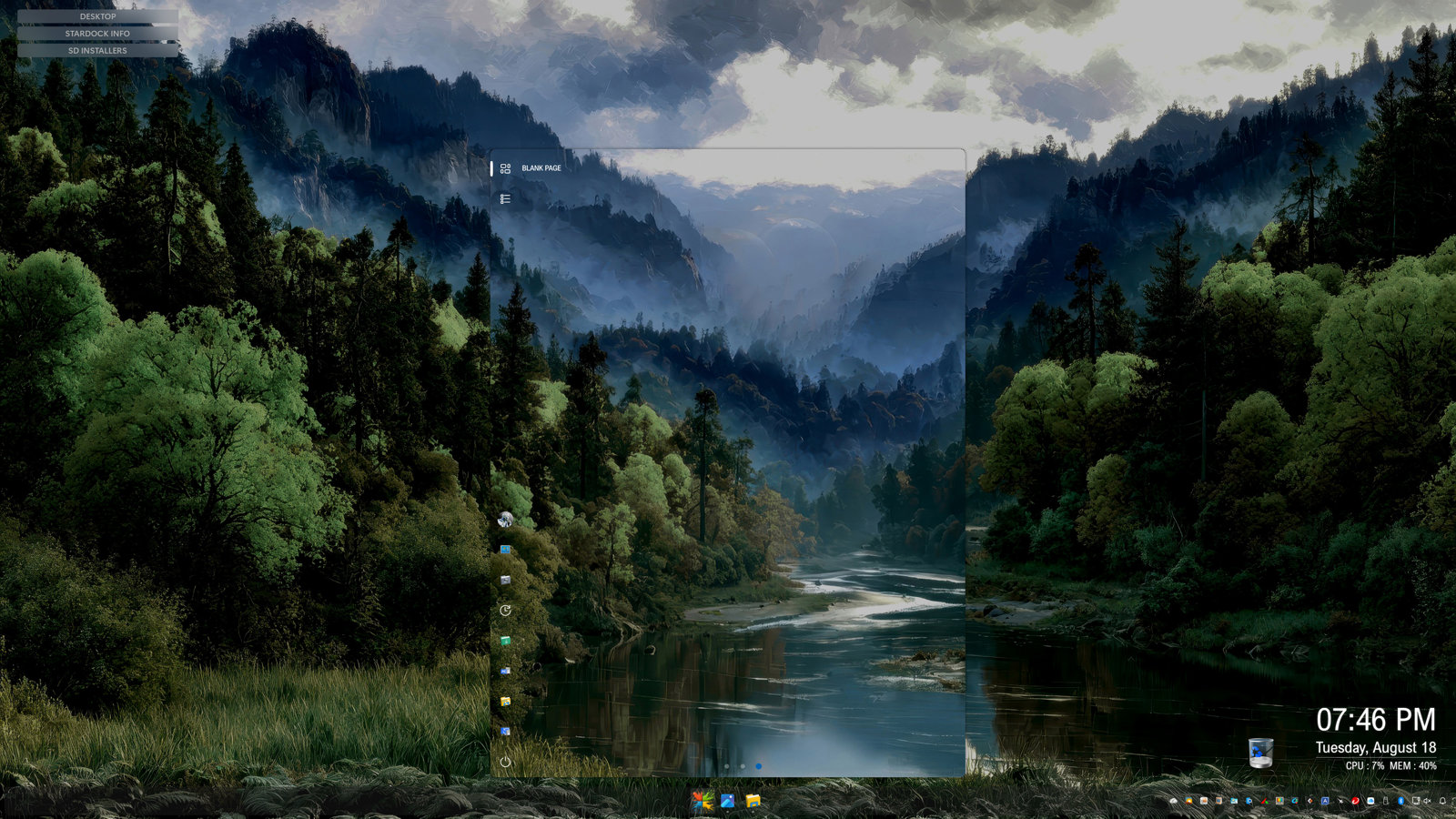
The same image opened with QuickLook at 100% and placed at exactly the same position as my start menu when it's open matches the desktop background perfectly.
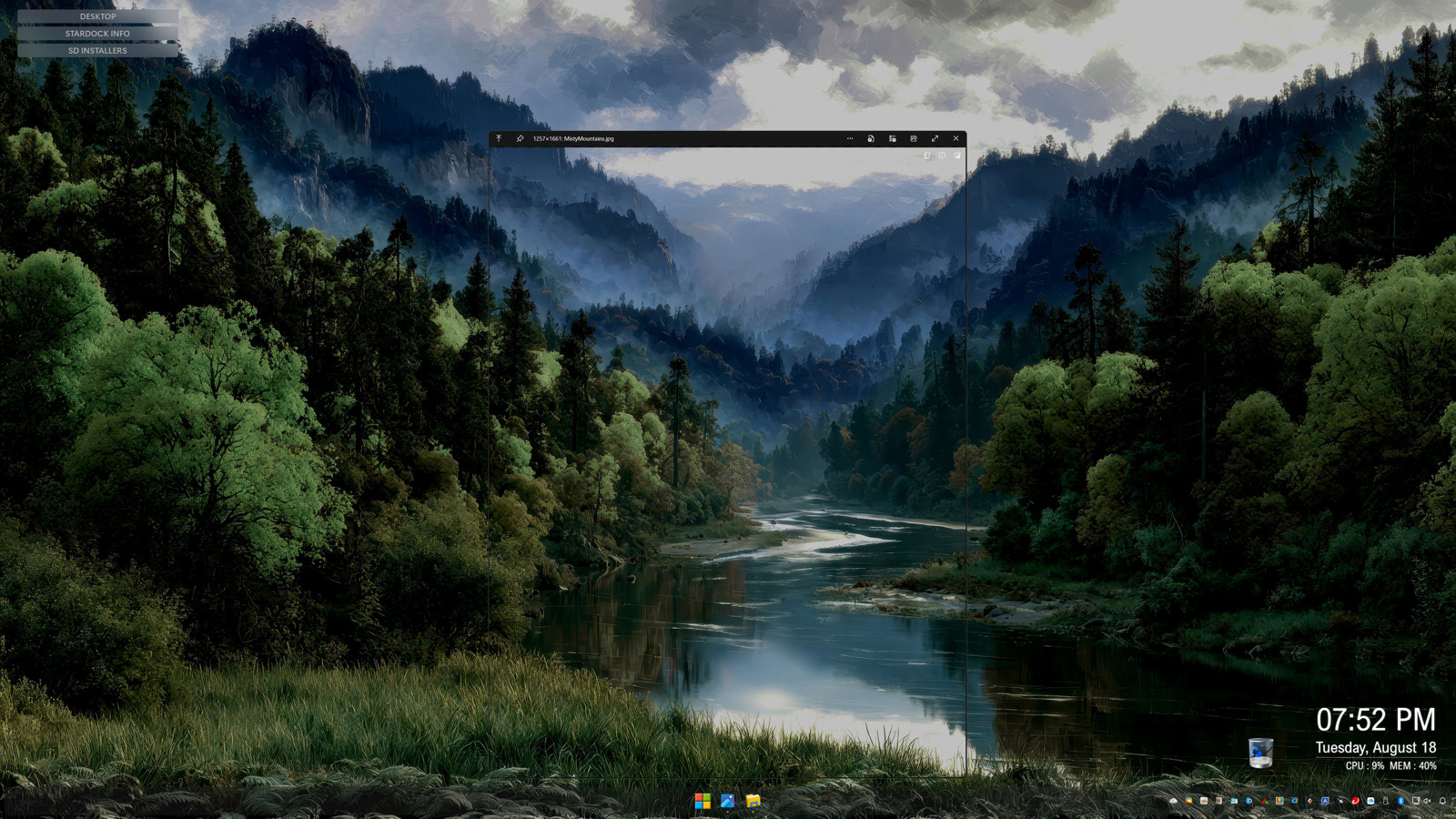
My question is what algorithm or method Does Start11 v2 use to insert or scale the image? Is there a trick or any way to get a background image to match up with the desktop background?

I have experimented with many different sized captures without success.

Windows 11 Pro  25H2 - 26200.9168
40" 3840 x 2160 (110 ppi) monitor at 125% scaling. Images are not be scaled at this setting, only the UI.

773 views 7 replies
Reply #1 Top

Hello,

I have forwarded your problem/question to Stardock Support Team for their assistance. Please keep an eye on this thread for any updates. We appreciate your feedback and patience. Thank you.

Basj,

Stardock Community  Assistant

Reply #2 Top

Hi Pelaird,

Thank you for your post; I love the idea.  I can see how this would be really great to get it working that way...  One thought, it occurs to me this might effectively be the same as having a 100% transparent Start Menu? 

A quick test of my own also presents some difficulty in getting a 1:1 perfect line-up of a custom background to the wallpaper.  I'll have this logged to review if there's an answer to help with what you're trying to do.

Internal reference: ODNT-12551

Thanks again and best regards,

Adam McGuinness
Stardock Support Specialist

Reply #3 Top
Quoting Abisnabidam, reply 3997235

Hi Pelaird,

this might effectively be the same as having a 100% transparent Start Menu? 

Internal reference: ODNT-12551

Thanks again and best regards,

Adam McGuinness

Stardock Support Specialist

End of Abisnabidam's quote

Yes it would be the same effect and I have tried this, however, I have Transparency Effects turned off in the Windows Setting because I hate all of my windows and surfaces appearing translucent. I really hate it because it is so distracting and plain ugly.

I'm just trying to figure out how Start11 v2 applies the start menu background. Somewhere in the code there must be an algorithm that decides how it will scale to the space.

Reply #4 Top

So if you had windows open you would want the background to show just like the wallpaper, basically cutting out the window under it?

Reply #5 Top
Quoting Neil, reply 4145437

So if you had windows open you would want the background to show just like the wallpaper, basically cutting out the window under it?

End of Neil's quote

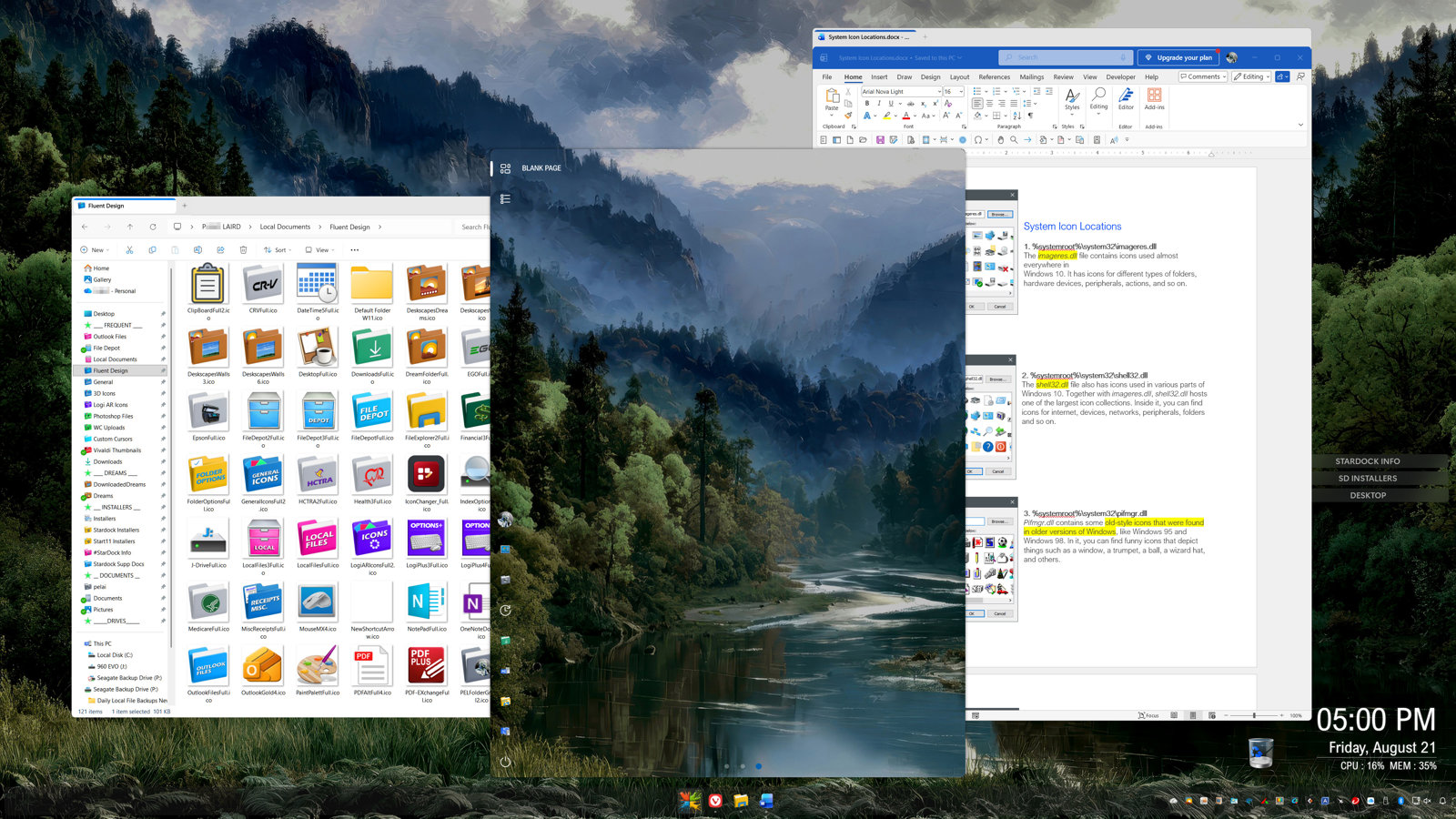
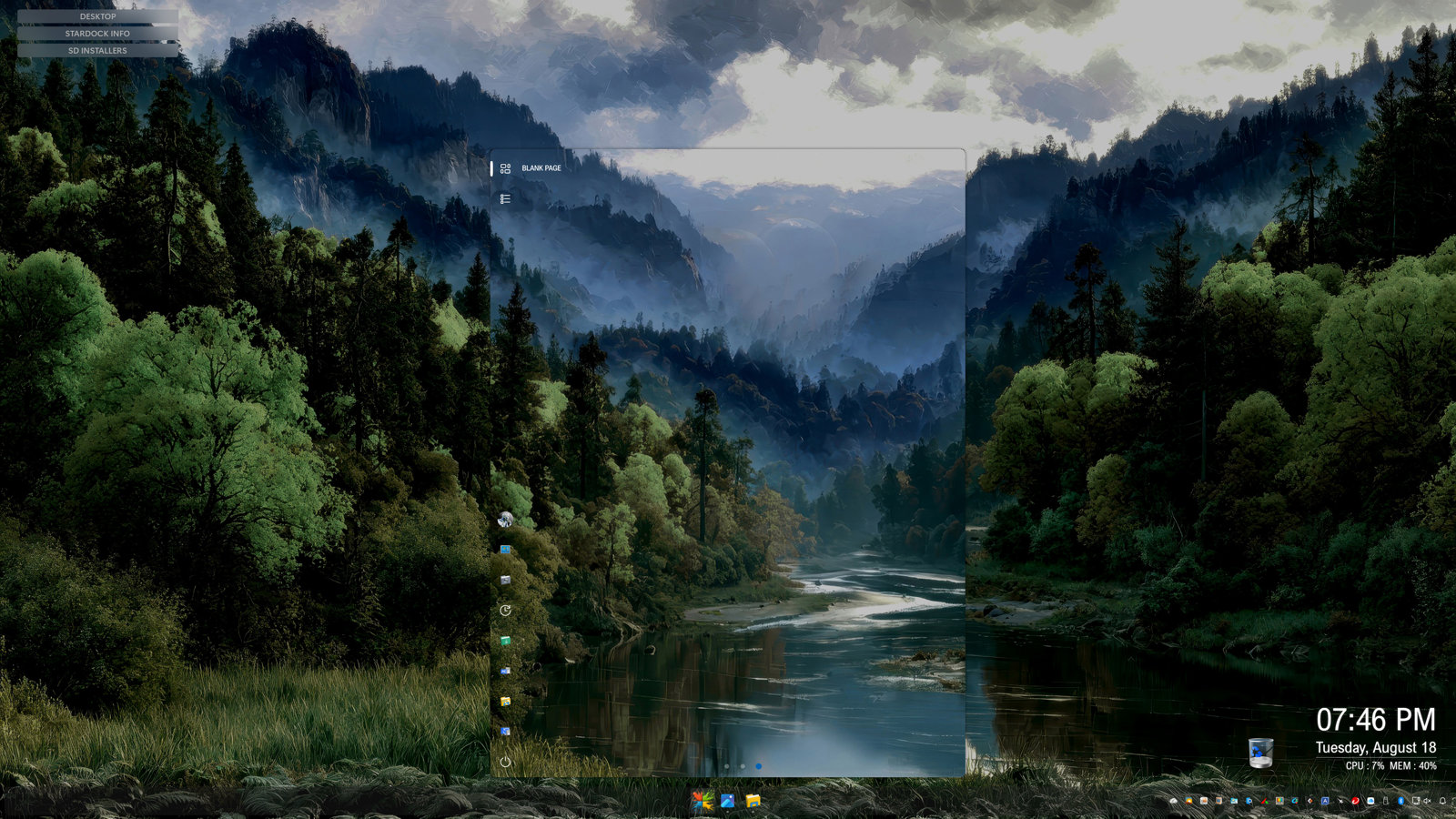
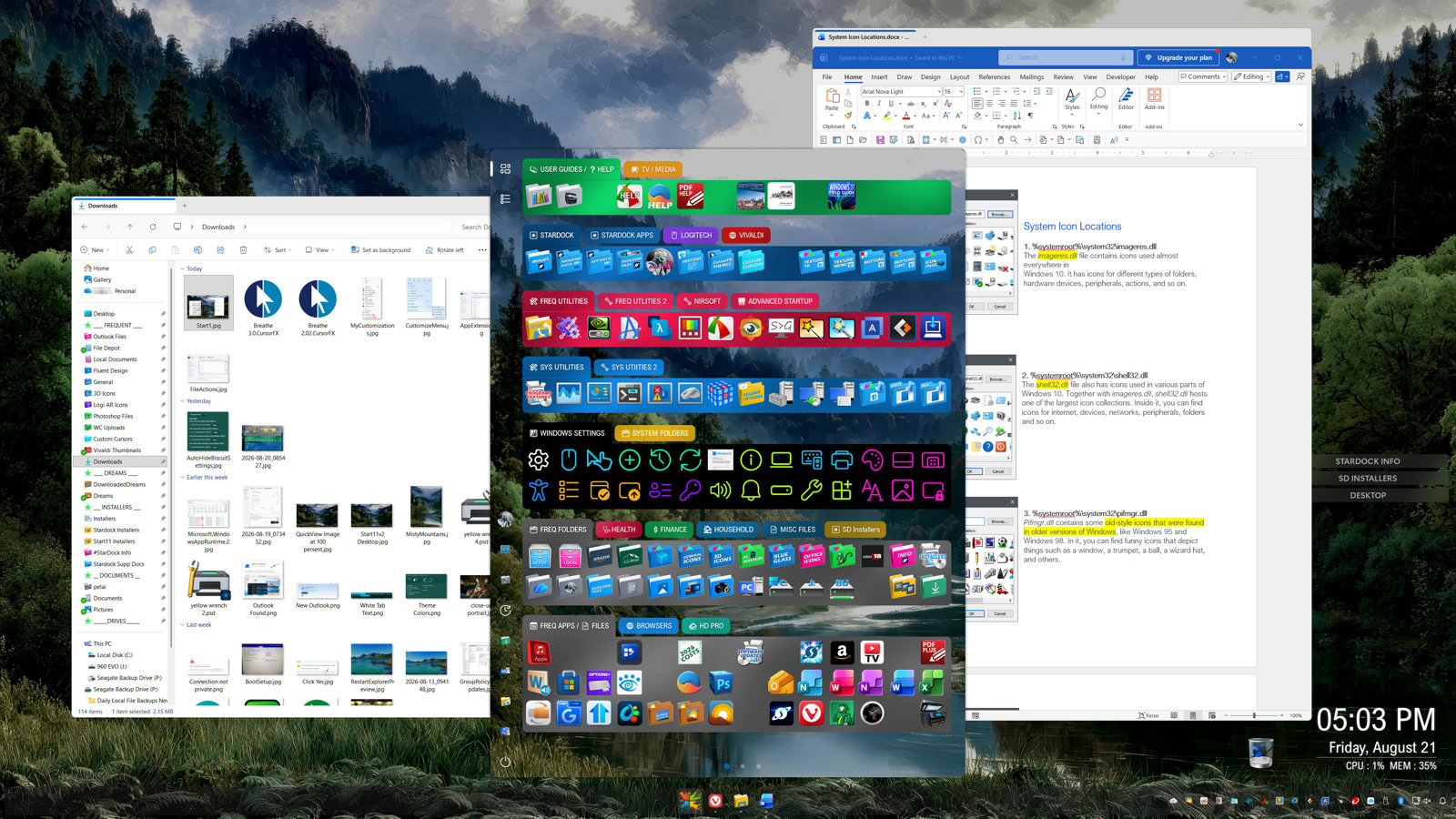
Thanks for responding Neil. I'm not quite sure exactly what you're asking, but here are a few images I hope will answer your question.

I really just want to understand how Start11 v2 applies the background. My logic would be that if I take a screenshot of the desktop background that is exactly the same size and location as my Start11 menu, so that when the Start11 v2 menu is opened, it would exactly match the desktop background. The way it is now, the Start11 v2 background image never quite lines up as intended. As Adam mentioned above, it would require a 1:1 ratio of width to height, but this is probably impossible because there are so many styles and sizes available.

As you can see in the images of my OP. The screen capture was taken at the exact same size and position which my Start11 v2 start menu occupies when open. 

If I understood how the image was applied to the Start11 v2 menu, maybe I could figure out what size and scale to capture the desktop background so that it lines up as I am wanting. This would give the illusion that the Start11 v2 menu is 100% transparent when it's actually not. If the Start11 v2 menu was 100% transparent, it would not work well, which I assume is why you restrict the transparency to 11%.

I'm not asking you to modify the Start11 v2 software. I just want to understand the logic on which the image is applied.

Thanks,

pelaird


Reply #6 Top

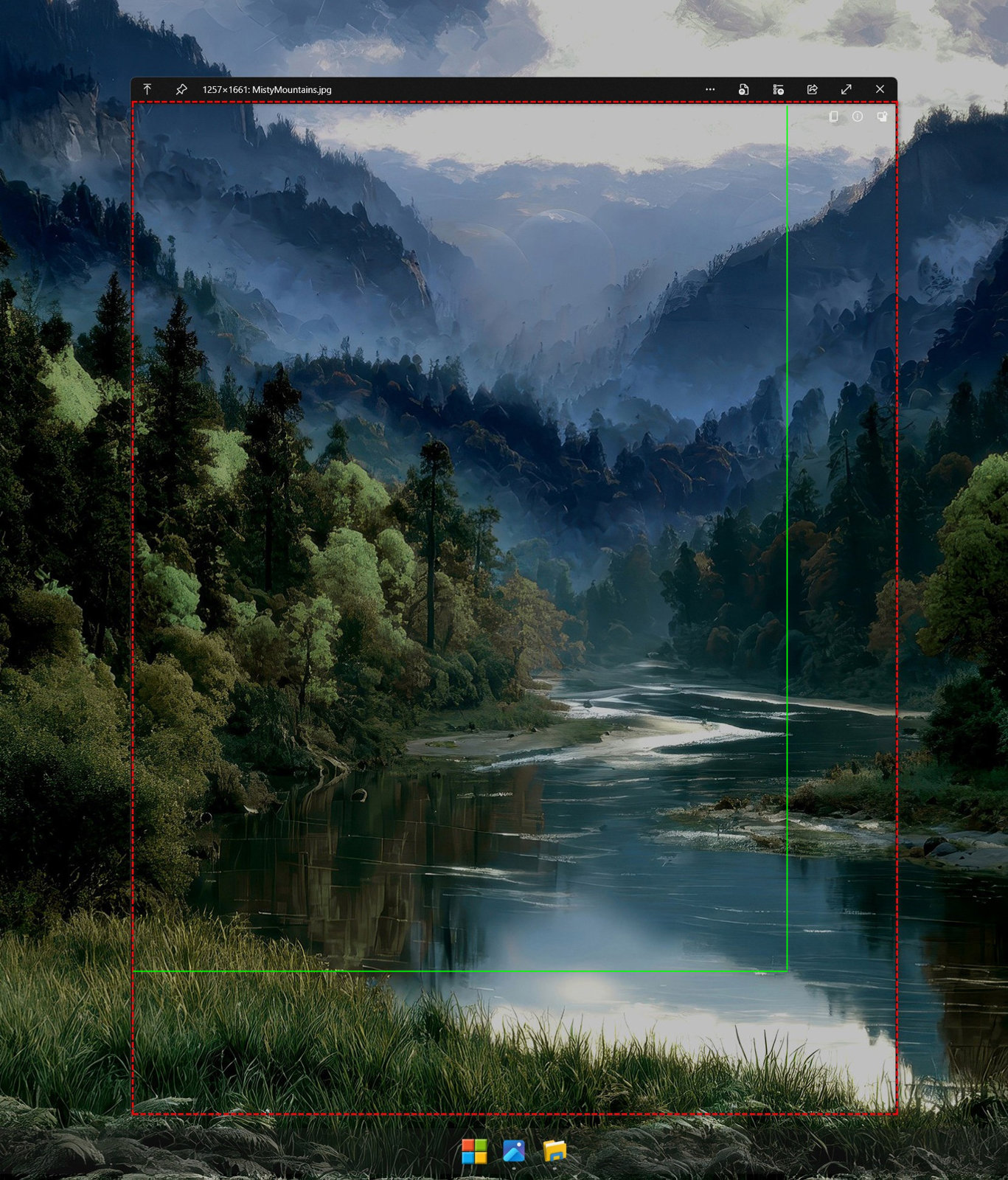
Here is an image comparing the Actual Screen Capture vs. what Start11 v2 uses to fill the Start menu.

The red dashed outline is the actual screen capture that exactly matches the size of my Start menu and the solid green line shows what Start11v2 uses to fill the Start menu.

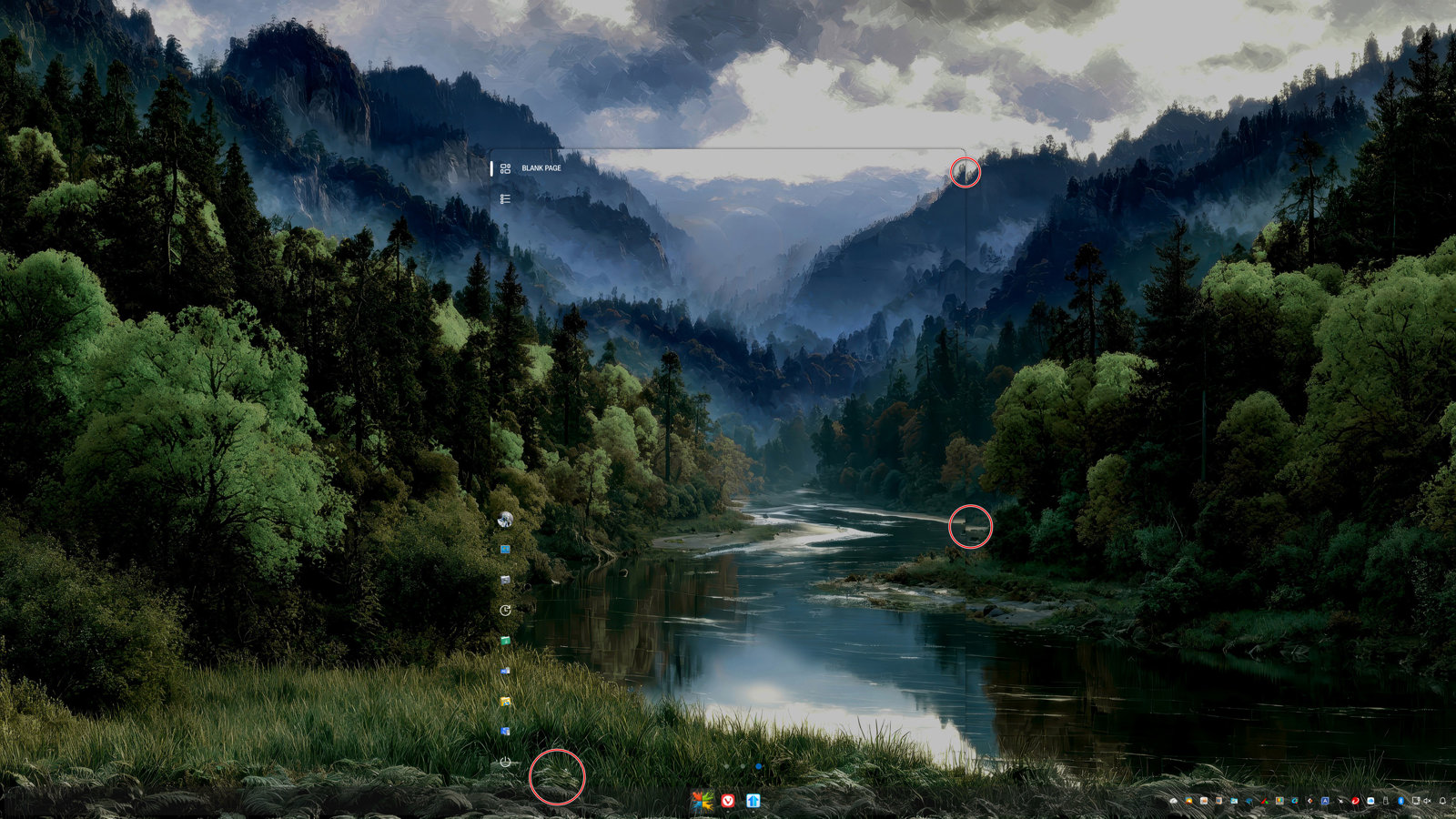
This is with the "Stretch to show entire texture" turned off, and Start11 v2 stretches the part of the image that it uses to fit the size of the start menu. (See bottom image.)


Reply #7 Top

After spending some time experimenting, I managed to get pretty close. I started the capture at the top/left of the Start11 menu, but then drug really wide and all the way down to the bottom of the screen. If I had more real estate at the bottom of the screen, I could probably get closer. I hope this info helps.