


Taskbar Icons floating on my second monitor
 Stardock Forums
Can't take a screenshot of it because it disappears when the screenshot is taken, but reappears when I click on the background or any other window on my computer. Running Windows 25H2 26200.8875 and Start11 1.56.
The extra taskbar icons show up on my second monitor (top left of my desktop)
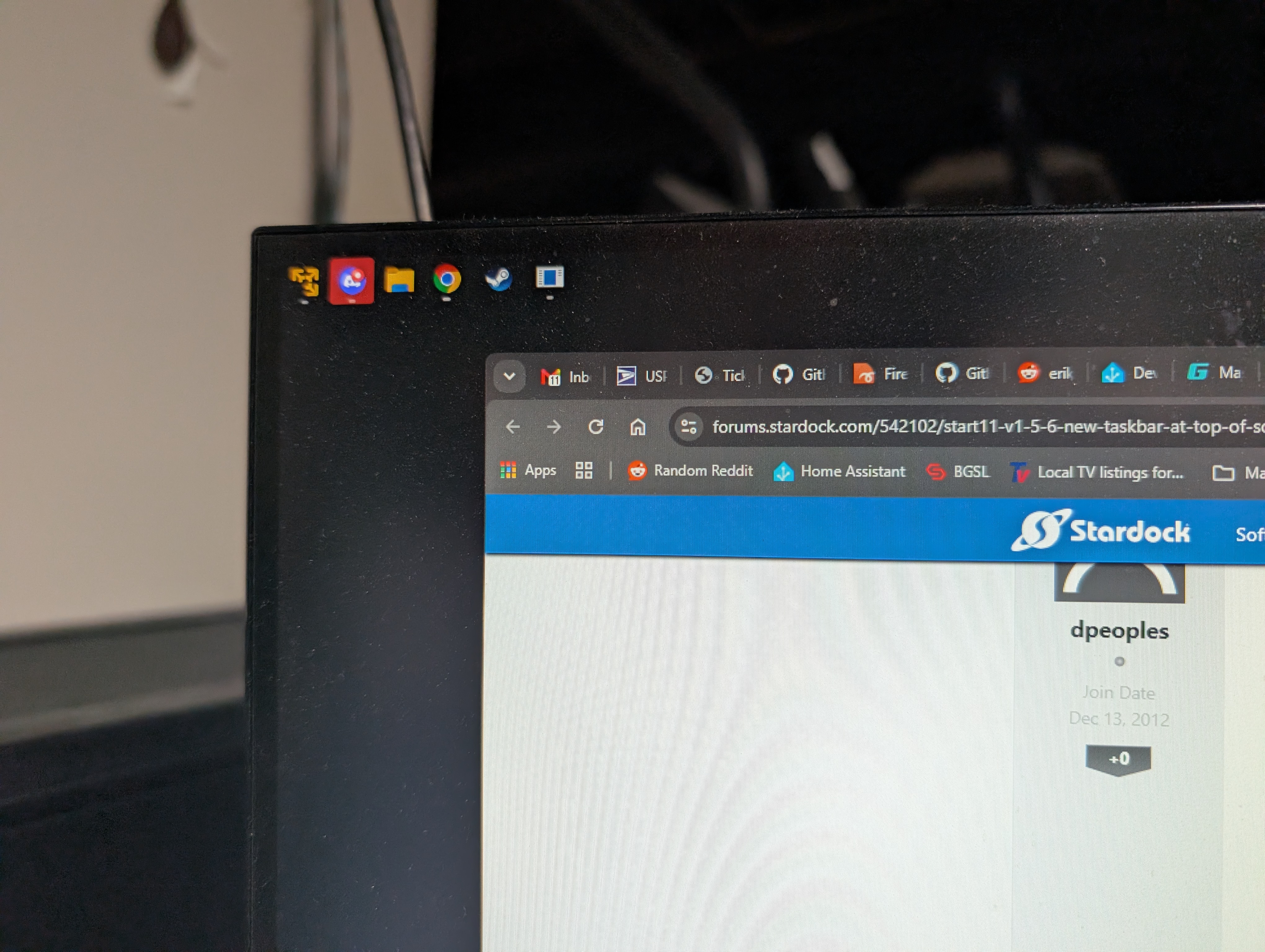
If I bring another window up to the level of these extra icons they get cut off: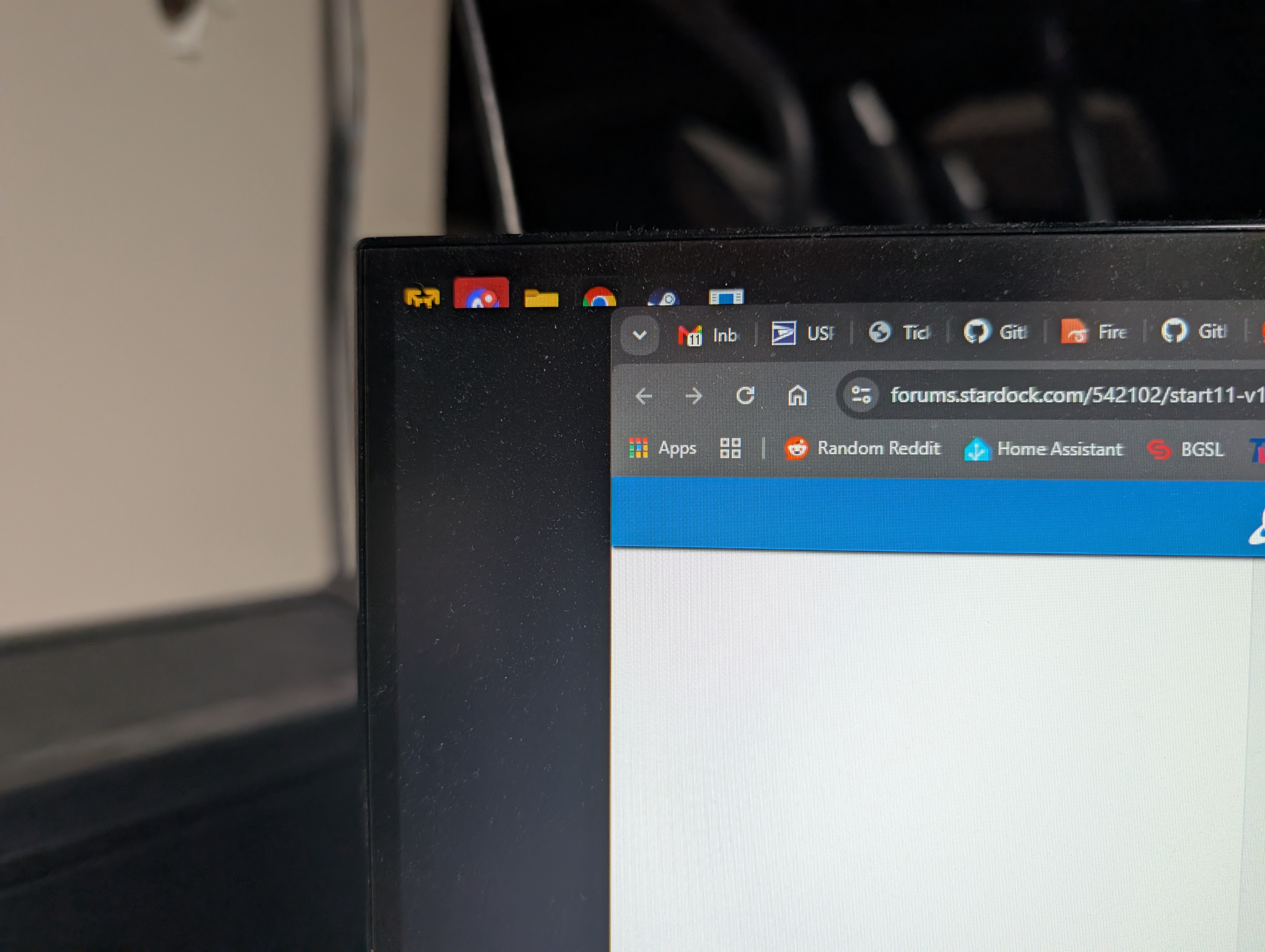
The icons on the top left of my main monitor get blacked out when these show up
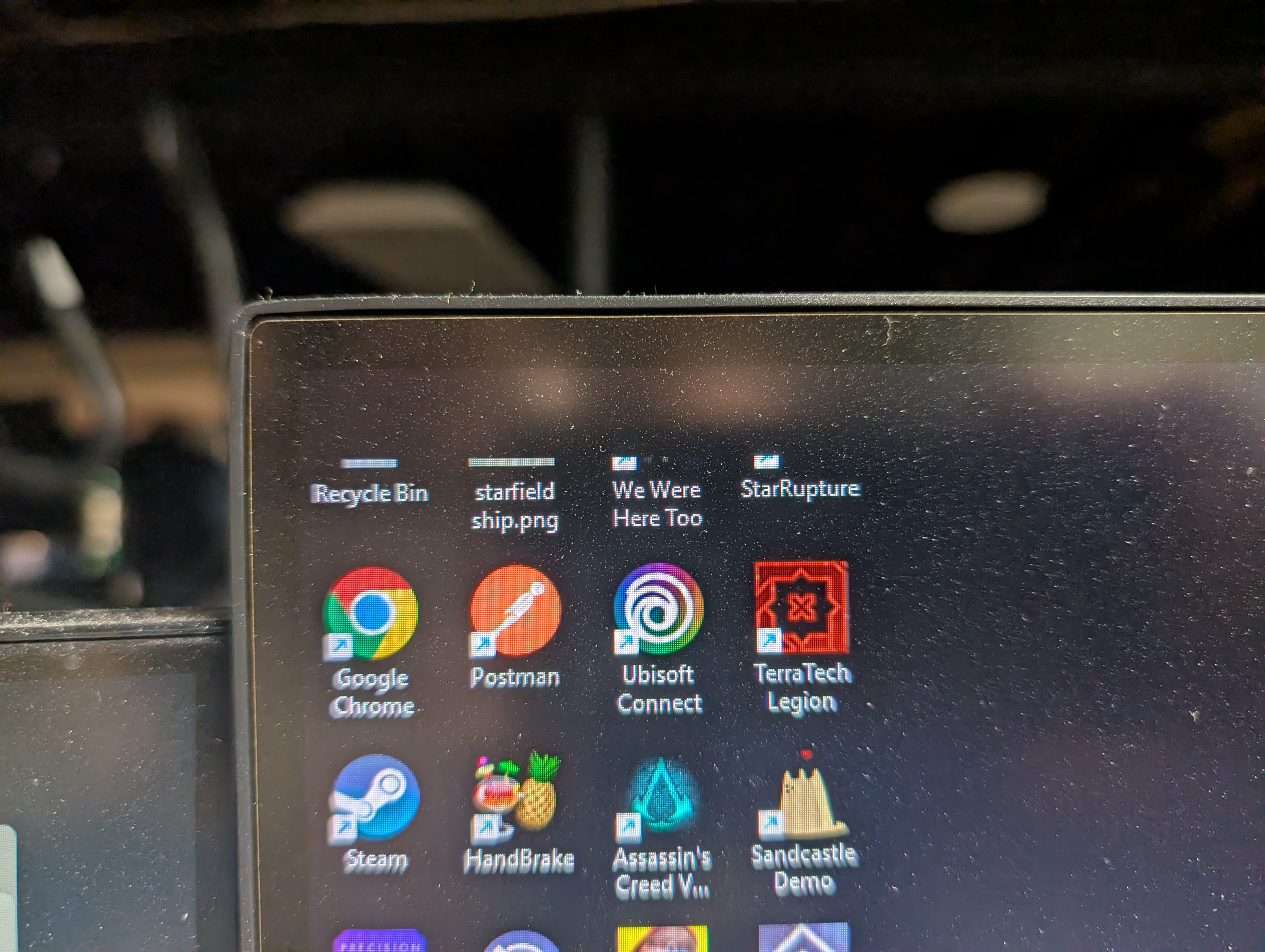
Although if I mouse over them they get restored until I click into any program
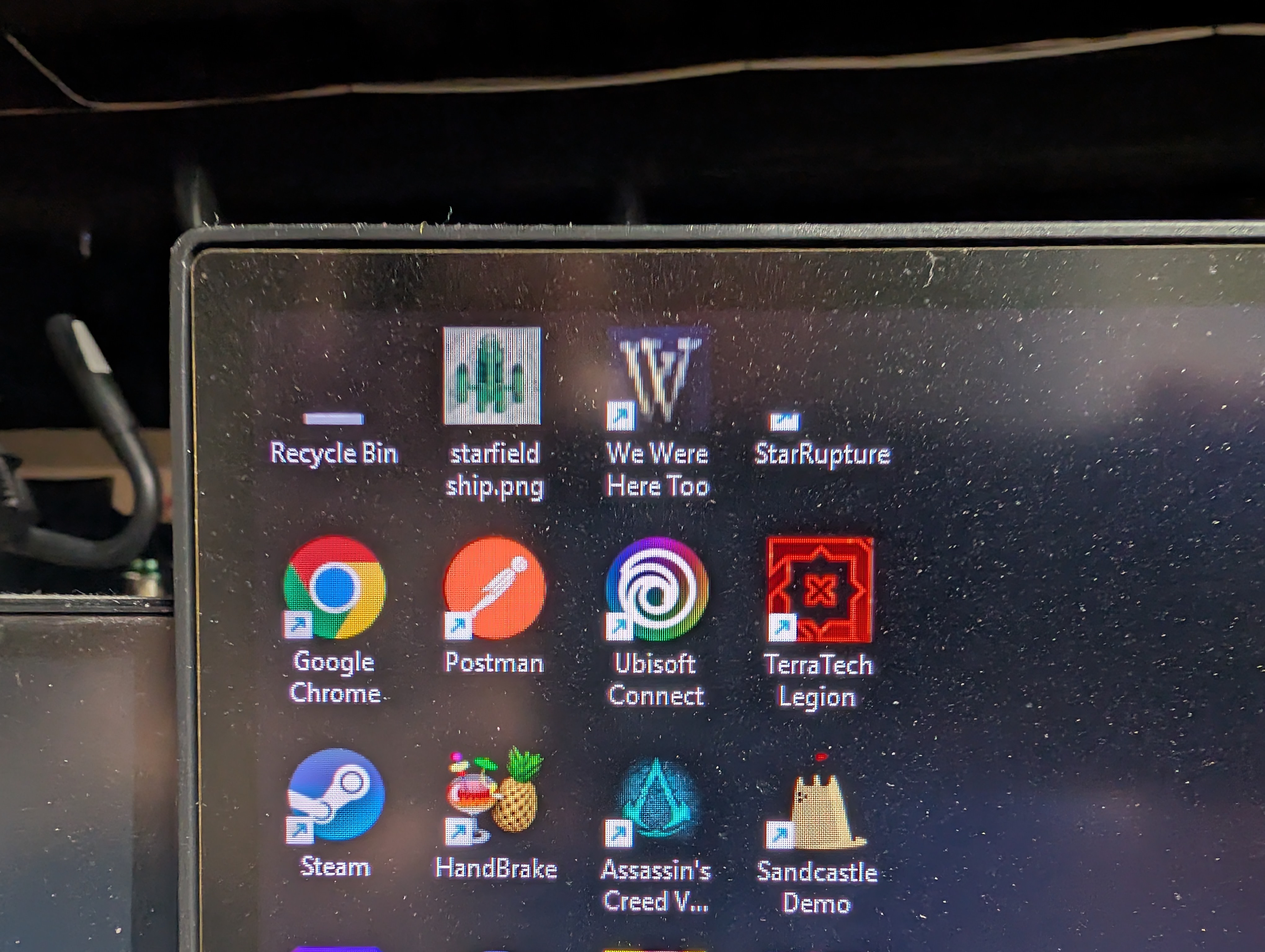
This has survived several reboots, and happens when I'm in full screen games as well, the top left of my main monitor gets a black chunk taken out about the size of the icons on my secondary monitor. If I uninstall, reboot, and reinstall Start 11 it's fine until my first reboot. Problem also happens in Clean boot mode, which was a PITA to do.
