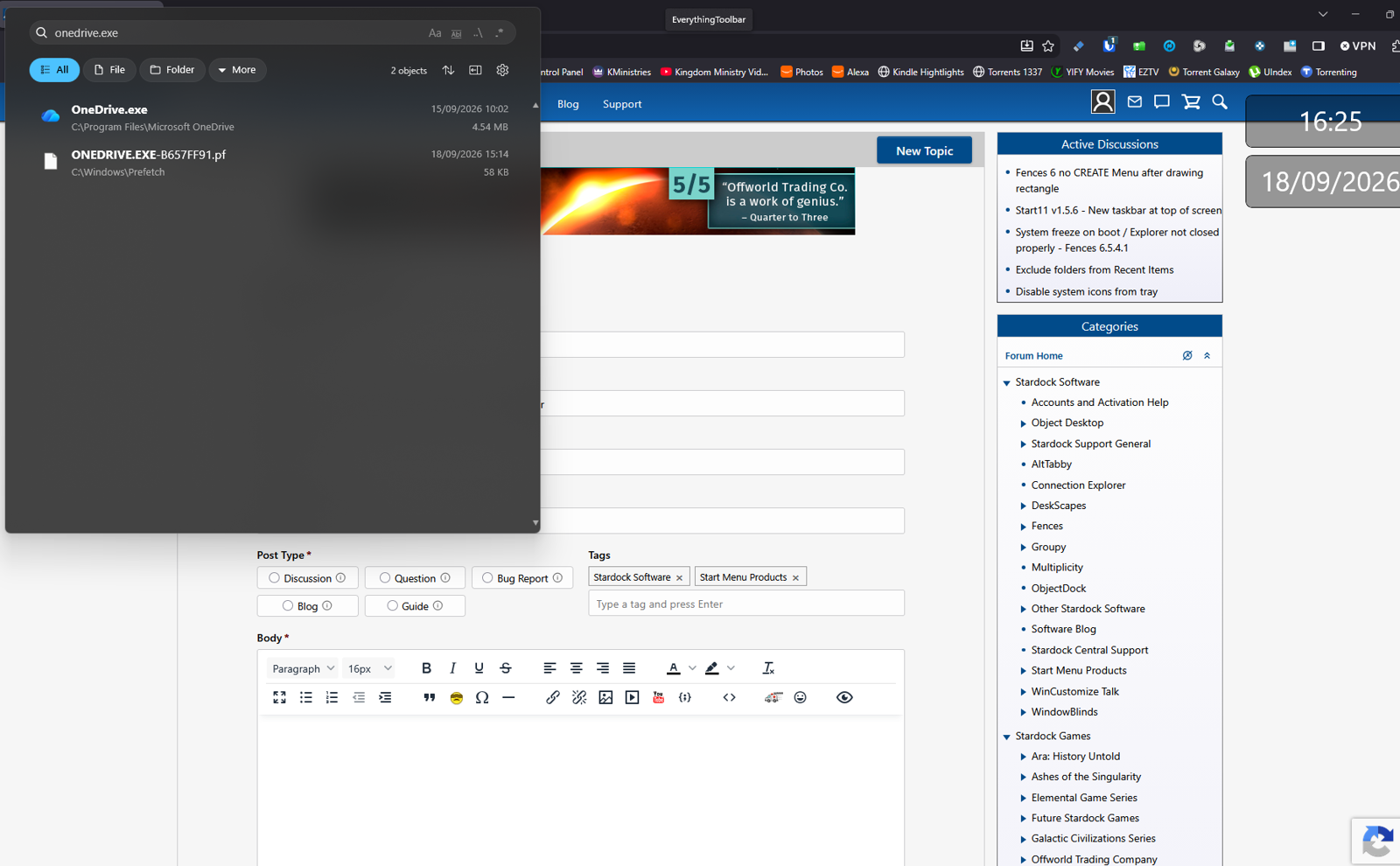
Other utilities not centered with Start 11 enhanced taskbar

If I use the enhanced taskbar and have start centred my utilities (like EverythingToolbar)  don't line up in the centre of the screen. 

As soon as I turn the enhanced taskbar it's fine. 

 I want the naming of Windows and control over text size,  when buttons are combined etc but it would be better still if it didn't mess about with the placement of other things !

Any way to fix this ?

149 views 1 replies
Reply #1 Top

Hello,
Sorry to hear you are having issues. Perhaps the "EverythingToolbar" is not compatible with Enhanced taskbar. Try disable the everythingtoolbar and see the issue still there.

Thank you,
Basj,
Stardock Community Assistant.

Reply #2 Top

Whilst I'm thankful for any reply, this reply doesn't really hit the point of what I'm asking. 

Everything Toolbar is centred without the enhanced toolbar. 

As soon as the enhanced toolbar is on it doesn't, therefore the enhanced toolbar is the issue.

There is no way to do what you ask. If I disable EverythingToolbar it isn't there to test !

I asked the developer of everything toolbar who maintained his utility works consistently with Windows, which it does. 

I understand that, at the moment, it is either/or what I'm asking is can the positioning of other utilities when enhanced toolbar is on be looked at by the tool that is causing the issue, i.e. Start11