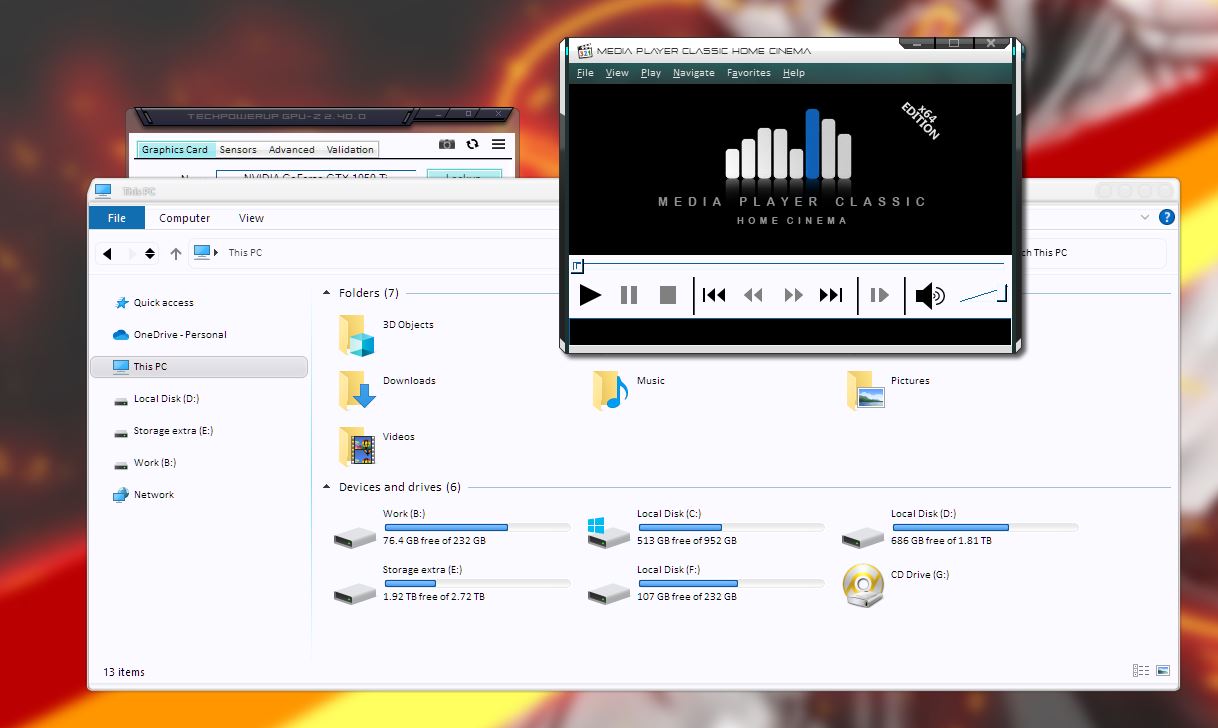
Customizing title bars with different colors per app
Customizing individual app frames with different color in same login
 Stardock Forums
I have the latest WIndowsBlinds 11 -- the only reason at this point to purchase it was to have the capability to select different colors for the multiple apps I have running on two monitors at the same time. For example: how can I have different title bar/frame colors for Word documents open while at the same time, File Explorer open with different color, Google Chrome with a different color, and so on?
Is this not a capability in WindowsBlinds? I got the impression by the short video I can modify "per application". I've tried a few settings in the 'per application" area for WinWord.exe, Chrome, and nothing changes.
Detailed documentation on how to make this happen (if the capability truly exists) would be greatly appreciated.
WillM